webdev.teknium.iofield guide · vol. 1October 2026

Uncommon web

77 web libraries and components with a strong point of view: dithered shaders, text laid out without the DOM, Windows 98 as a stylesheet, hand-drawn charts, live-coded synths. Every card below is running the real library, live.

88live demos
11families
77libraries
0CDN requests
01

▦Dither, pixel & ASCII

7 demos

Ordered dithering, halftones, CRT phosphor and live ASCII. The look of 1-bit screens and newsprint, running on shaders.

live demodrag the globe · hover the buttons↗ full window
react

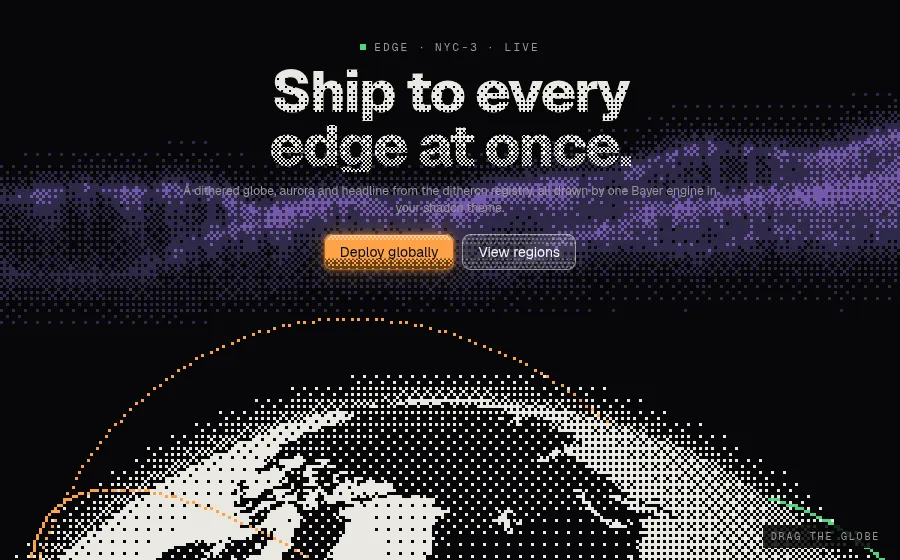
dithercnDithered globe hero

A Bayer dither engine plus examples, installed via the shadcn registry

dithercn draws every surface as ordered-dither cells tied to your shadcn theme tokens, so a globe, an aurora shader and a headline fill all share one pixel grid and palette. The components install as plain source into your project, so you edit them like your own code instead of configuring a black-box package.

npx shadcn@latest add https://dithercn.dev/r/dither-globe.json
<Aurora className="absolute inset-x-0 top-0 -z-20 h-[62%]"
  color="green" tipColor="purple" curtains={4} direction="down" mask="bottom" />
<DitherGlobe
  markers={[SF, NYC, LDN, FRA, SGP, TYO, SYD, GRU].map((at) => ({ at }))}
  arcs={[{ from: SF, to: LDN }, { from: NYC, to: FRA, color: "green" }]}
  start={-30} tilt={28} speed={5} cell={3} matrix="bayer4" />
<DitherText as="h1" fill="gradient" direction="down" to={0.45}>
  Ship to every edge at once.
</DitherText>
live demohover bars & heatmap · data updates live↗ full window
react

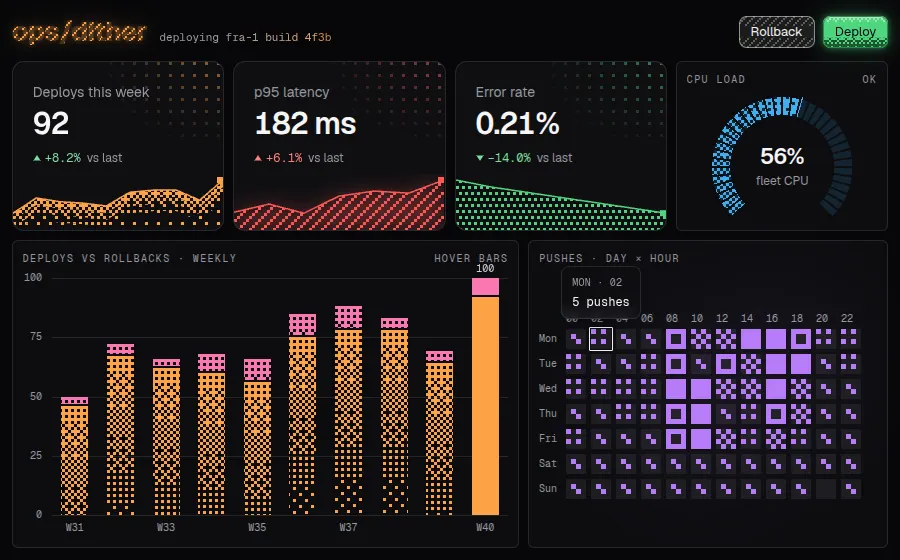
dithercnDithered ops dashboard

A Bayer dither engine plus examples, installed via the shadcn registry

The chart and interface examples render as plain SVG built from whole dither cells, snapped to device pixels, so bars, gauges and heatmap squares step through crisp Bayer densities rather than opacity. Each chart keeps a hidden data table and keyboard scrubbing, so the 1-bit look does not cost accessibility.

npx shadcn@latest add https://dithercn.dev/r/bar-chart.json https://dithercn.dev/r/gauge.json https://dithercn.dev/r/heatmap.json
<StatCard label="p95 latency" value="182 ms" delta={6.1} good="down"
  trend={[150, 158, 149, 166, 171, 169, 182]} color="red" fill="hatched" bloom="low" />
<Gauge value={load} label="fleet CPU" unit="%" variant="dial"
  color={hot ? "red" : "blue"} fill={hot ? "hatched" : "gradient"} />
<BarChart data={weeks} x="week" layout="stacked" colors={["orange", "pink"]}
  series={[{ label: "Deploys", value: "deploys" }, { label: "Rollbacks", value: "rollbacks" }]} />
<Heatmap mode="matrix" data={pushes} rows={DAYS} columns={HOURS} steps={5} color="purple" />
live demomove to steer · pick shape, matrix, ink↗ full window
react

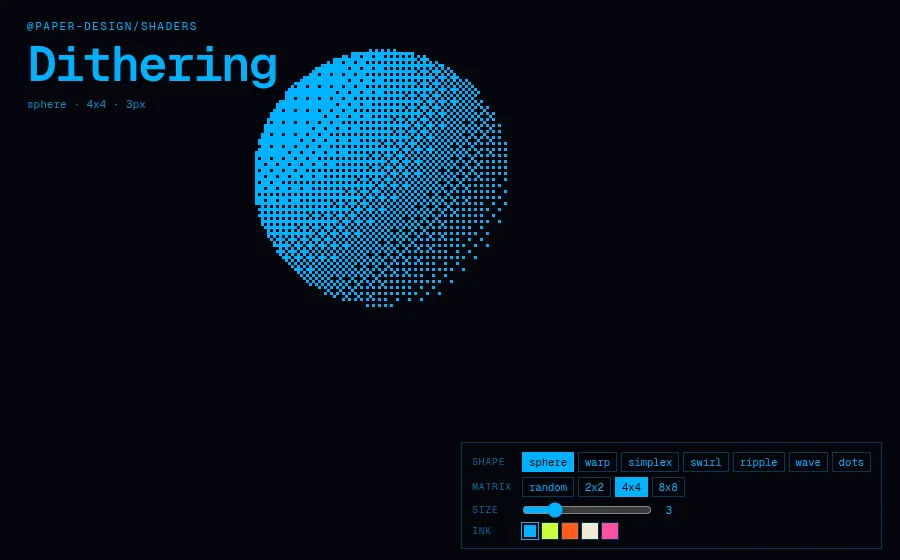
Paper ShadersLive dithering shader

Zero-dependency WebGL shaders for React or vanilla JS

Paper's Dithering shader runs 2-colour ordered or random dithering over seven animated sources (sphere, warp, swirl, ripple...) entirely on the GPU in one small fragment shader. Every parameter is a prop, so matrix size, pixel size and ink colour can change live without remounting the canvas.

npm i @paper-design/shaders-react
<Dithering
  colorBack={c.back}
  colorFront={c.front}
  shape={shape}      // "sphere" | "warp" | "simplex" | "swirl" | ...
  type={type}        // "random" | "2x2" | "4x4" | "8x8"
  size={size}
  speed={1}
  offsetX={off.x + baseX}
  offsetY={off.y + baseY}
/>
live demodrag to spin · swap glyphs and tint↗ full window
vanilla

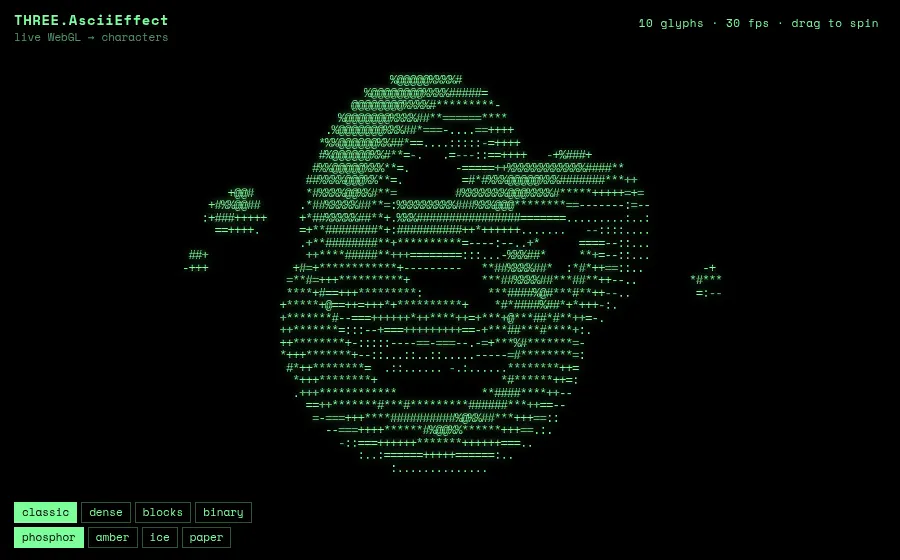
three.js AsciiEffectLive 3D as ASCII

three.js add-on that renders any WebGL scene as text

AsciiEffect samples the WebGL frame each tick and rewrites it as a grid of real DOM characters, so the output is selectable text you can tint, glow and style with CSS. Swapping the character ramp changes the look completely, from classic terminal to Unicode shade blocks.

npm i three
import { AsciiEffect } from "three/examples/jsm/effects/AsciiEffect.js";

const CHARSETS = { classic: " .:-=+*#%@", blocks: " ░▒▓█", binary: " 01" };
effect = new AsciiEffect(renderer, CHARSETS[charsetName], { invert: true, resolution: res });
stage.prepend(effect.domElement);
effect.setSize(w, h);
// every frame
effect.render(scene, camera);
live demotoggle filters · move to split · click↗ full window
vanilla

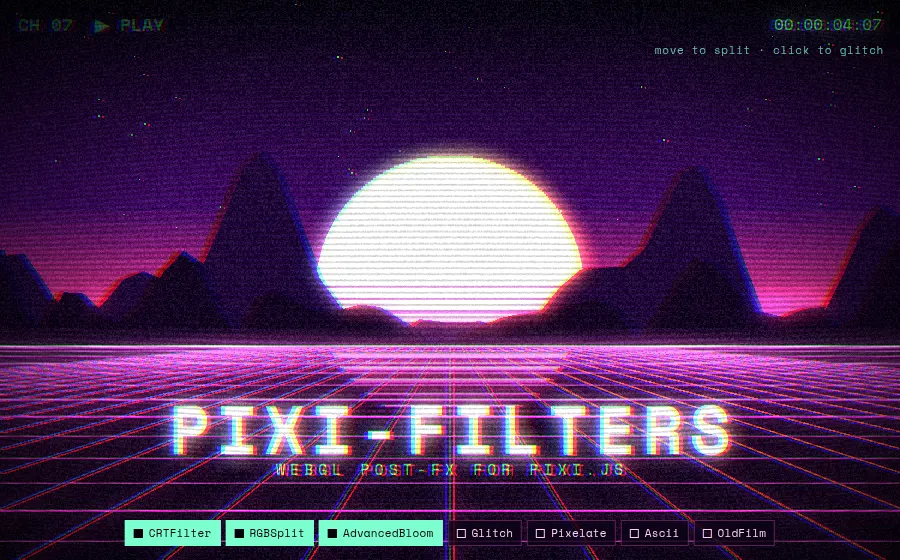
pixi-filtersCRT filter rack

Community WebGL filter collection for PixiJS v8

pixi-filters bundles dozens of stackable post-process shaders (CRT, RGB split, glitch, pixelate, ASCII, old film, bloom) that attach to any PixiJS container as a plain filters array. Order in the array is the order of the effect chain, so you can build a CRT pipeline in a few lines.

npm i pixi.js pixi-filters
const crt = new CRTFilter({ curvature: 4, lineWidth: 2.2, lineContrast: 0.35, noise: 0.12, noiseSize: 1.2, vignetting: 0.32 });
const rgb = new RGBSplitFilter({ red: [-3, 0], green: [0, 1], blue: [3, 0] });
const glitch = new GlitchFilter({ slices: 12, offset: 40, fillMode: 2, average: false });
const ascii = new AsciiFilter({ size: 9, color: "#7dffcf", replaceColor: false });
// order matters: pixel/ascii first (they quantise), CRT last (it curves the result)
const ORDER = ["pixel", "ascii", "film", "bloom", "glitch", "rgb", "crt"];
const on = ORDER.map((id) => RACK.find((r) => r.id === id)).filter((r) => r.on).map((r) => r.f);
app.stage.filters = on.length ? on : null;
live demodrag to orbit · wheel resizes cells↗ full window
vanilla

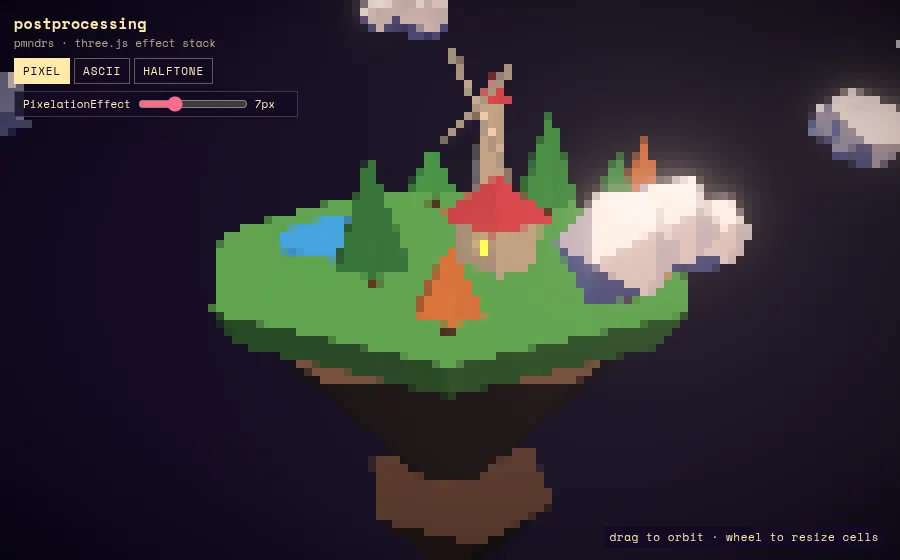
postprocessingPixel, ASCII & halftone diorama

pmndrs post-processing effect library for three.js

postprocessing merges multiple effects into a single fullscreen shader pass, which keeps a stack of bloom, vignette and stylising effects cheap. Its PixelationEffect, ASCIIEffect and DotScreenEffect turn any three.js scene into pixel art, glyphs or print halftone with one constructor.

npm i three postprocessing
composer.addPass(new RenderPass(scene, camera));
composer.addPass(new EffectPass(camera, bloom, vignette));
const asciiTexture = new ASCIITexture({ characters: " .:-+*=%@#", font: "Space Mono", fontSize: 54, size: 1024, cellCount: 16 });
const MODES = {
  pixel: { make: (v) => new PixelationEffect(v), set: (e, v) => (e.granularity = v) },
  ascii: { make: (v) => new ASCIIEffect({ asciiTexture, cellSize: v, color: null }), set: (e, v) => (e.cellSize = v) },
  halftone: { make: (v) => new DotScreenEffect({ angle: Math.PI * 0.25, scale: v }), set: (e, v) => (e.scale = v) },
};
effect = MODES[mode].make(amount);
composer.addPass(new EffectPass(camera, effect));
02

◐Paper Shaders, in depth

7 demos

One library, many moods: image filters, liquid-metal logos, pulsing borders and god rays. Zero-dependency WebGL shaders built to be dropped into real product UI.

live demomove pointer to steer · switch shader↗ full window
react

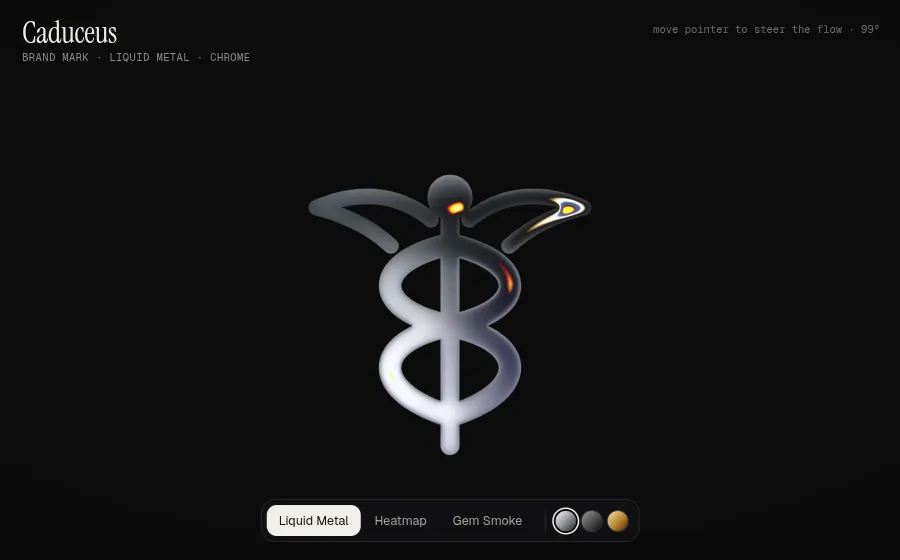
Paper ShadersLiquid metal logo

Zero-dependency WebGL shaders shipped as React components

LiquidMetal, Heatmap and GemSmoke take any SVG or PNG logo and turn its silhouette into animated chrome, thermal glow or smoke; the shape is pre-processed into a distance field in the browser. Pointer position drives the shaders' angle prop, so the reflections follow the cursor.

npm i @paper-design/shaders-react
{ name: "Chrome", params: { ...pick(liquidMetalPresets, "Default"),
    colorBack: "#0b0b0c", colorTint: "#ffffff", repetition: 2.4, contour: 0.5 } },

// pointer x → the shader's flow angle (20°..160°)
pointer.current = 20 + (x + 0.5) * 140;

<C key={m.id} className="shader" {...l.params} image={mark}
   angle={angle} scale={0.62} offsetY={0.06} fit="contain" />
live demopick a filter · hold to compare↗ full window
react

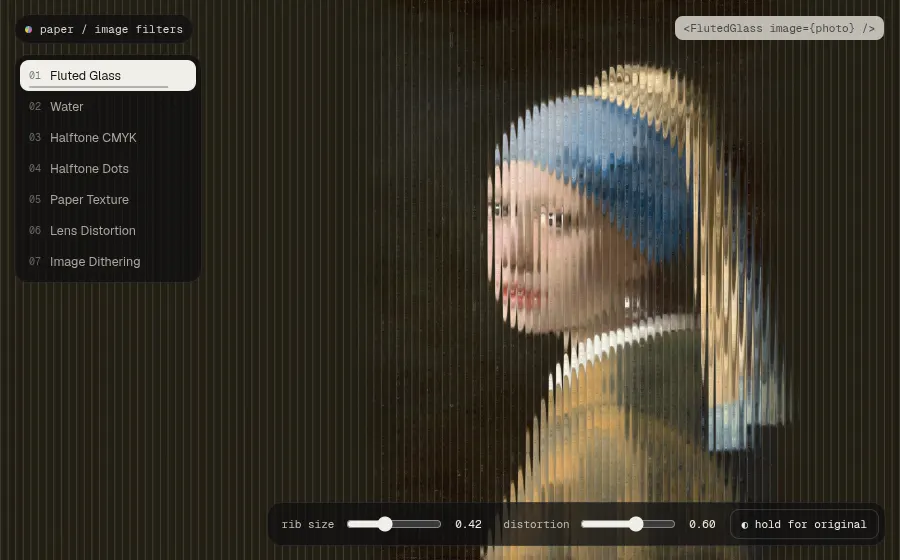
Paper ShadersSeven live image filters

Design-tool-grade image filters as single React components

FlutedGlass, Water, HalftoneCmyk, HalftoneDots, PaperTexture, LensDistortion and ImageDithering each take an image prop and run in one fragment shader, with no canvas code to write. Every slider maps to a real prop, and holding the button shows the untouched Vermeer underneath.

npm i @paper-design/shaders-react
{
  id: "fluted", name: "Fluted Glass", C: FlutedGlass,
  base: { ...pick(flutedGlassPresets, "Default"), shadows: 0.35, highlights: 0.15, edges: 0.4 },
  sliders: [
    { key: "size", label: "rib size", min: 0.05, max: 1, step: 0.01, value: 0.42 },
    { key: "distortion", label: "distortion", min: 0, max: 1, step: 0.01, value: 0.6 },
  ],
},
// …Water, HalftoneCmyk, HalftoneDots, PaperTexture, LensDistortion, ImageDithering
<C key={f.id} className="shader" {...f.base} {...v} image={portrait} fit="cover" maxPixelCount={2560 * 1600} />
live demotype a prompt · press enter↗ full window
react

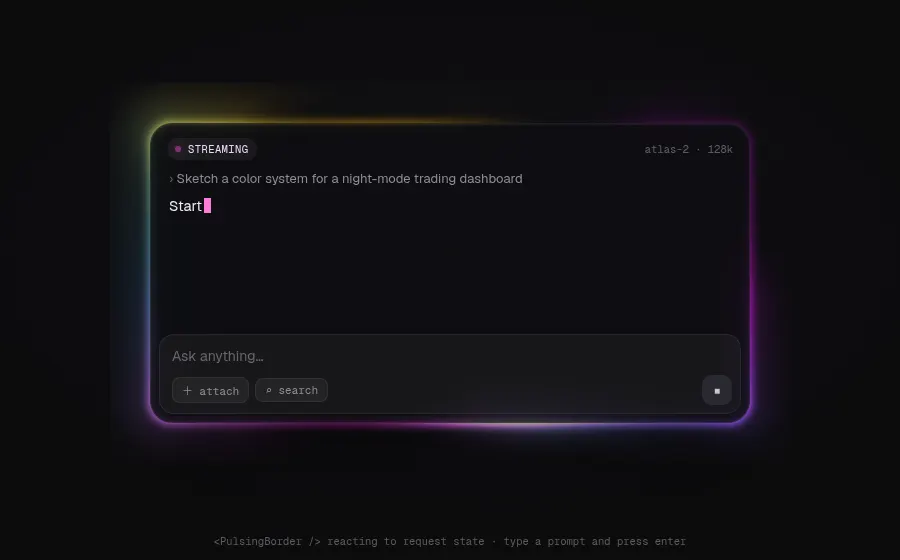
Paper ShadersAI prompt state border

Animated shader glows you can drop around any UI element

PulsingBorder draws a soft, smoky light along a rounded rectangle. Here it frames a chat composer and switches props between idle, generating and done states. Because colors, pulse, bloom and smoke are plain props, React state can drive the border directly.

npm i @paper-design/shaders-react
const STATES = {
  idle: { speed: 0.45, intensity: 0.12, bloom: 0.2, pulse: 0.08, smoke: 0.18, spots: 3, spotSize: 0.35, colors: ["#2b5cff", "#7a3cff", "#00c2ff"] },
  generating: { speed: 1.5, intensity: 0.42, bloom: 0.5, pulse: 0.5, smoke: 0.55, spots: 4, spotSize: 0.55, colors: ["#0dc1fd", "#d915ef", "#ff3f2ecc", "#ffb800"] },
  done: { speed: 0.3, intensity: 0.1, bloom: 0.25, pulse: 0, smoke: 0.12, spots: 2, spotSize: 0.5, colors: ["#19d38a", "#0dc1fd"] },
};
const st = STATES[status];

<PulsingBorder colorBack="#00000000" {...st}
  thickness={0.06} softness={0.85} aspectRatio="auto" smokeSize={0.6} />
live demomove pointer · switch scenes↗ full window
react

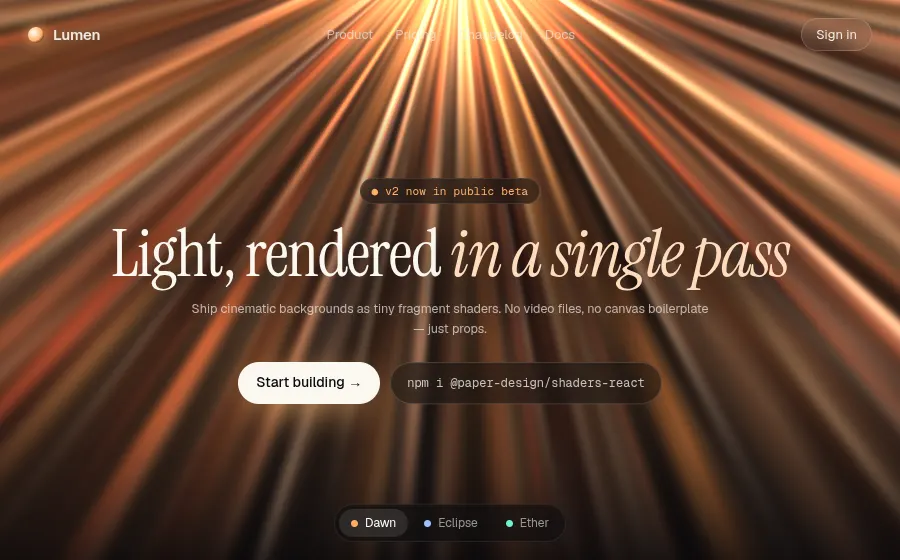
Paper ShadersGod-rays landing hero

Cinematic shader backgrounds configured entirely through props

GodRays and SmokeRing make a full-bleed hero background with no video files, and each scene is about ten props. The light source leans toward the pointer, and the presets switch between warm volumetric rays, an eclipse ring and teal light.

npm i @paper-design/shaders-react
id: "dawn", label: "Dawn", C: GodRays,
params: {
  colorBack: "#07070a", colorBloom: "#ff7a2f",
  colors: ["#ffb35c99", "#ff5e3ad0", "#fff1d6", "#ff9a3c66"],
  density: 0.32, spotty: 0.28, midIntensity: 0.55, midSize: 0.22, intensity: 0.8, bloom: 0.5, speed: 0.6,
  offsetY: -0.62,
},
// the light source leans toward the pointer
<C key={s.id} className="shader" {...p}
   offsetX={(p.offsetX ?? 0) + nudge.x} offsetY={(p.offsetY ?? 0) + nudge.y} />
live democlick randomize · space for another↗ full window
react

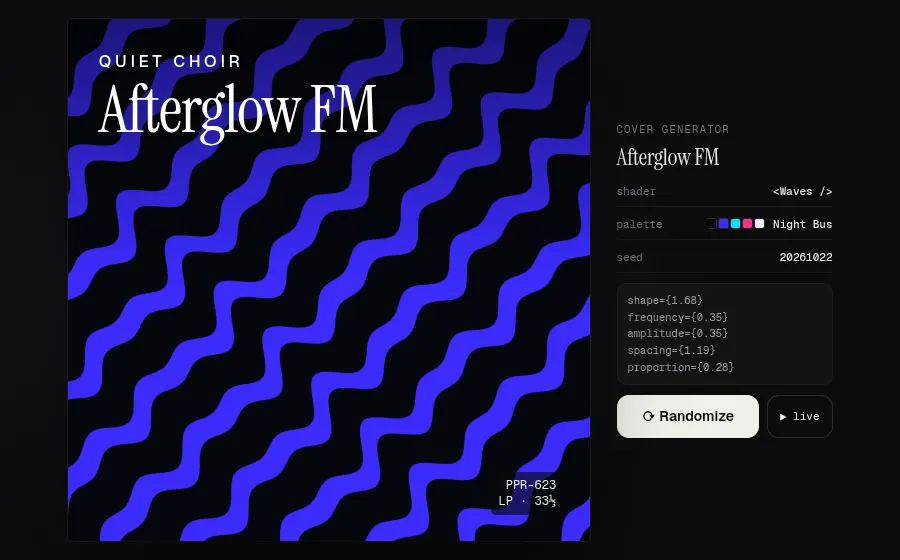
Paper ShadersGenerative album covers

Seedable pattern shaders for generative graphic design

A seeded RNG picks one of seven pattern shaders (Waves, Swirl, Spiral, Voronoi, NeuroNoise, PerlinNoise, SimplexNoise), a palette and props to make a print-style record sleeve. The props are shown as code, and the poster can stay animated or freeze on a frame.

npm i @paper-design/shaders-react
{ name: "Waves", C: Waves, make: (r, p) => ({ colorBack: p[0], colorFront: p[1],
    shape: range(r, 0, 3), frequency: range(r, 0.2, 0.6), amplitude: range(r, 0.25, 1),
    spacing: range(r, 1, 1.5), proportion: range(r, 0.15, 0.7), softness: 0,
    rotation: Math.floor(range(r, 0, 180)), scale: range(r, 0.5, 2.2) }) },

const r = rng(seed);
const kind = pickFrom(r, KINDS);
const params = round(kind.make(r, pal.c));

<C key={cover.seed} className="art" {...cover.params} speed={speed} frame={(cover.seed % 997) * 37} />
live demohover to speed up · click to complete↗ full window
react

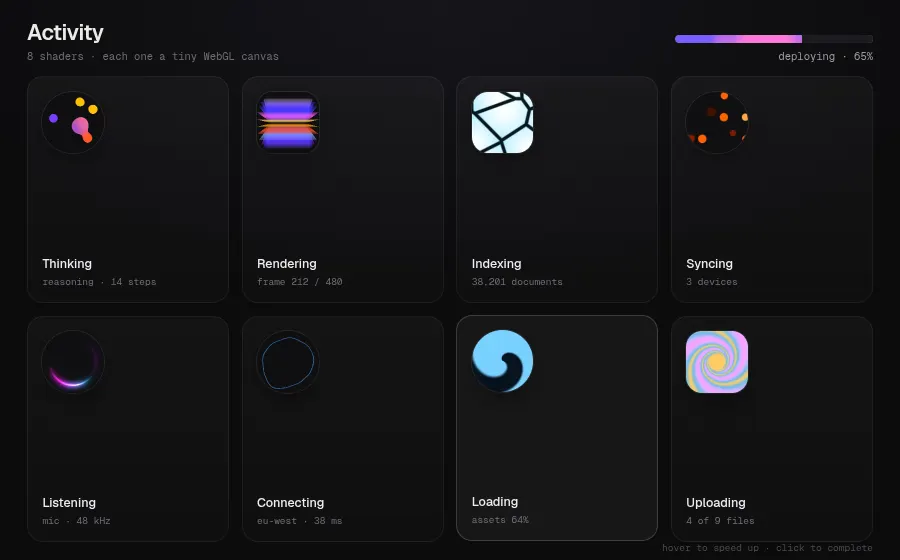
Paper ShadersShader loading states

Tiny WebGL canvases that work as spinners and status icons

Eight shaders (Metaballs, ColorPanels, Voronoi, DotOrbit, PulsingBorder, SmokeRing, Spiral, Swirl) run at icon size as activity indicators, alongside a SimplexNoise progress bar. Speed is a prop, so hovering a tile speeds it up and clicking it marks the task complete.

npm i @paper-design/shaders-react
{ id: "think", label: "Thinking", sub: "reasoning · 14 steps", C: Metaballs, shape: "round",
  params: { colorBack: "#0f0f12", colors: ["#7c3cff", "#ff5a1f", "#ffc105", "#f585ff"], count: 7, size: 0.78, speed: 1.1, scale: 1.05 } },
{ id: "index", label: "Indexing", sub: "38,201 documents", C: Voronoi, shape: "square",
  params: { colors: ["#ffffff"], stepsPerColor: 1, colorGlow: "#7fe3ff", colorGap: "#07161c", distortion: 0.45, gap: 0.05, glow: 0.8, scale: 0.42, speed: 0.6 } },

// hover speeds a tile up, click freezes it as "done"
<C className="sh" {...t.params} speed={done ? 0 : hot ? base * 2.5 : base} />
live demomove · fling · click · scroll↗ full window
vanilla

Paper ShadersVanilla ShaderMount uniforms

Framework-free core: raw fragment shaders plus a tiny mount class

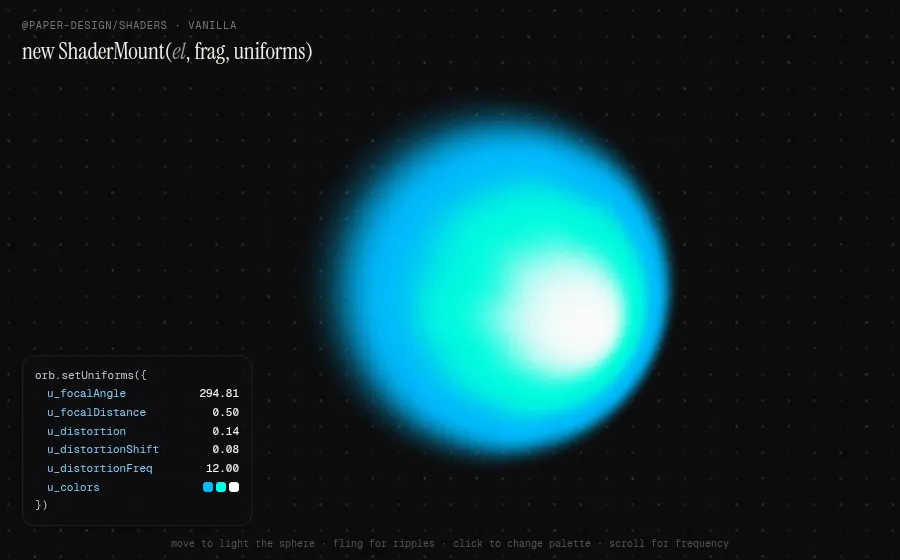
The React package wraps @paper-design/shaders, which works without a framework: new ShaderMount(el, fragmentShader, uniforms) and setUniforms(). Here the pointer drives the static radial gradient's focal point as a lit sphere, flinging the pointer adds ripples, and a live readout shows every uniform as it changes.

npm i @paper-design/shaders
const orb = new ShaderMount(orbEl, staticRadialGradientFragmentShader, {
  ...paletteUniforms(PALETTES[pal]),
  u_radius: 0.8, u_focalDistance: 0.6, u_focalAngle: 0, u_falloff: 0.24, u_mixing: 0.55,
  u_distortion: 0, u_distortionShift: 0, u_distortionFreq: 12, u_grainMixer: 0.15, u_grainOverlay: 0.12,
  ...sizing(),
}, undefined, 0);

const u = {
  u_focalAngle: cur.angle, u_focalDistance: cur.dist,
  u_distortion: cur.ripple, u_distortionShift: cur.shift, u_distortionFreq: Math.round(cur.freq),
};
orb.setUniforms(u);
03

Typography & text

8 demos

Text laid out without the DOM, split into glyphs, scrambled, hand-annotated and written out stroke by stroke.

live demodrag the moon through the text↗ full window
vanilla

PretextWalden flows around the moon

DOM-free multiline text measurement and layout in pure TypeScript

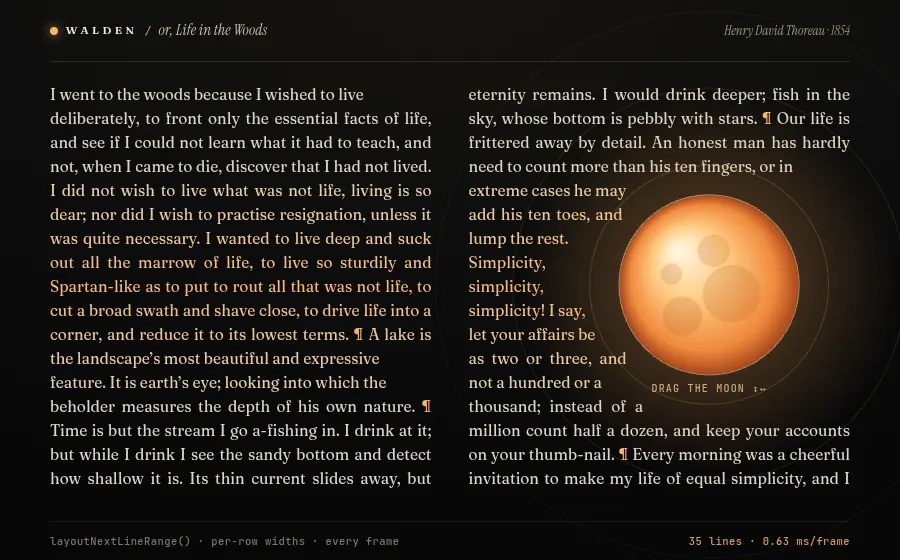
Pretext measures and line-breaks text without touching the DOM, so you can re-layout a paragraph against arbitrary shapes every frame. Here two justified columns of Walden are re-broken around a draggable moon (and its own label) on each animation frame, using a per-row width and a shared cursor across columns, in well under 2 ms.

npm i @chenglou/pretext
prepared = prepareWithSegments(WALDEN, `400 ${fs}px "Fraunces Variable"`); // once per font

// every frame: each row gets its own corridor(s) around the moon
for (const [a, b] of spans) {
  const avail = b - a;
  let range = layoutNextLineRange(prepared, avail, cursor);
  if (!range) { cursor = undefined; range = layoutNextLineRange(prepared, avail, cursor); }
  const line = materializeLineRange(prepared, range);
  drawLine(line.text, a, y + fs * 1.05, avail, range.width > avail * 0.72, near);
  cursor = range.end;
}
live demomove to scatter · click to burst↗ full window
vanilla

PretextShrink-wrapped glyph swarm

DOM-free multiline text measurement and layout in pure TypeScript

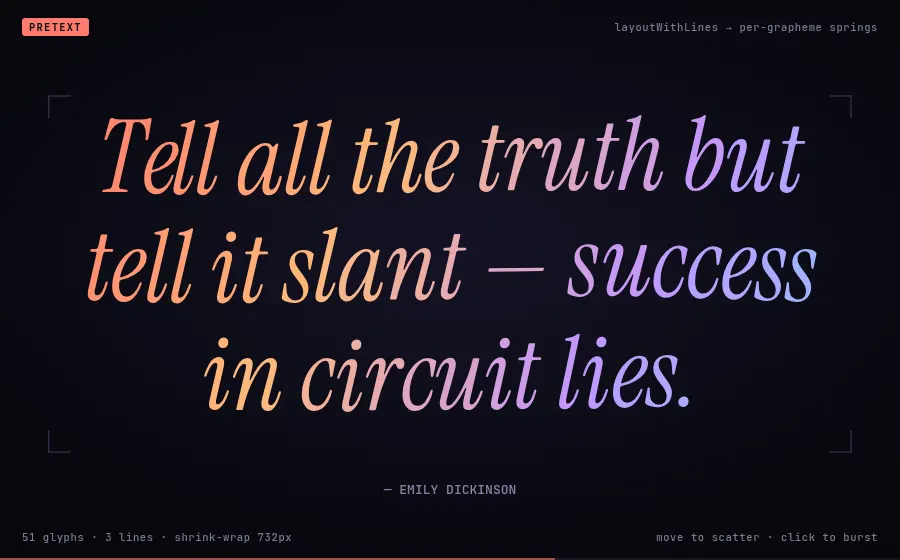
Because Pretext returns line breaks and widths without rendering, every grapheme can become a physics particle that knows exactly where it belongs. Quotes are laid out with layoutWithLines, framed by the tightest shrink-wrap width from measureLineStats, then morph letter by letter into the next quote.

npm i @chenglou/pretext
const fontFor = size => `italic 400 ${size}px "Instrument Serif"`;

prepared = prepareWithSegments(text, fontFor(size));
({ lines } = layoutWithLines(prepared, maxW, lh));
const stats = measureLineStats(prepared, maxW); // widest line = shrink-wrapped width

lines.forEach((line, li) => {
  const x0 = (W - line.width) / 2;
  for (const { segment } of seg.segment(line.text)) { /* one spring particle per grapheme */ }
});
live demohover words · click for next choreography↗ full window
vanilla

GSAP SplitTextSplit, mask, scramble

GSAP plugins that split text into animatable lines, words, chars

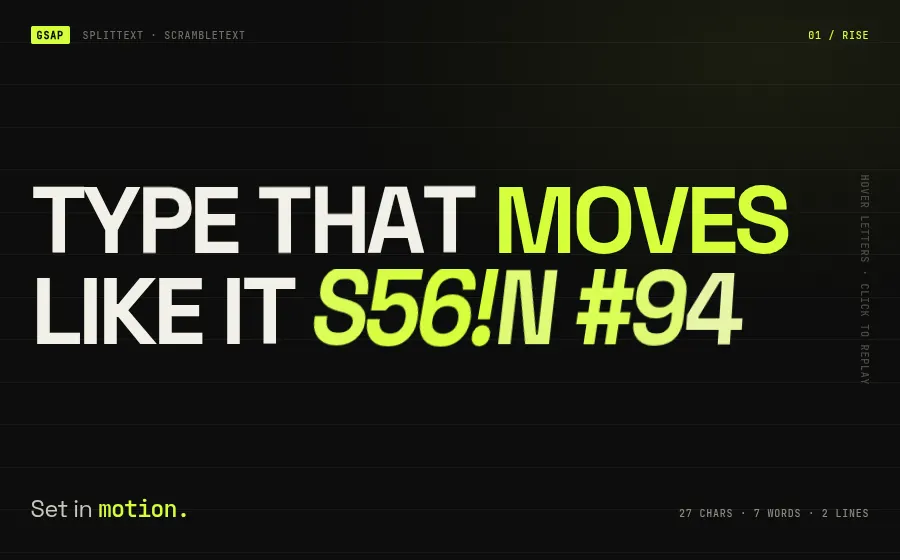
SplitText wraps lines, words and characters in elements (with optional line masks and auto re-split on resize), and ScrambleText decodes strings through random glyphs. Four click-through choreographies (rise, flip, scatter, decode) share one split; hovering a word makes it jump and re-decode.

npm i gsap
gsap.registerPlugin(SplitText, ScrambleTextPlugin);

SplitText.create(h1, {
  type: 'lines,words,chars', mask: 'lines', autoSplit: true,
  onSplit: self => gsap.from(self.chars, {
    yPercent: 115, rotate: 8, duration: 0.9, ease: 'expo.out', stagger: 0.022,
  }),
});

gsap.to(el, { duration: 0.6, scrambleText: { text: real, chars: GLYPHS, revealDelay: 0.27 } });
live demoswitch units · drag the time warp↗ full window
web components

NumberFlowVoyager 1 live telemetry

Animated, Intl-formatted number transitions as a web component

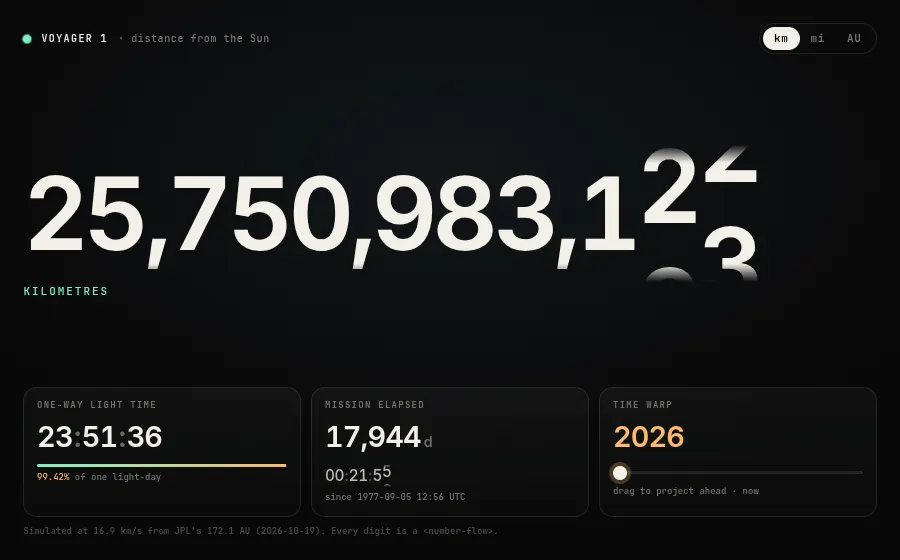
NumberFlow animates between Intl.NumberFormat outputs digit by digit, rolling each column and morphing separators and widths when the format changes. A live Voyager 1 distance board ticks every second; switching km / mi / AU morphs the whole format, and a time-warp slider spins decades of digits.

npm i number-flow
import { continuous } from 'number-flow'; // registers <number-flow>

const dist = document.getElementById('dist');
dist.format = { maximumFractionDigits: 0 };
dist.locales = 'en-US';
dist.plugins = [continuous];
dist.trend = 1;
dist.spinTiming = { duration: 900, easing: 'cubic-bezier(.2,.8,.2,1)' };

setInterval(() => dist.update(km * UNITS[unit].f), 1000);
live demopick a mark · click any word↗ full window
vanilla

Rough NotationAn editor's red pen

Animated hand-drawn annotations for any element on the page

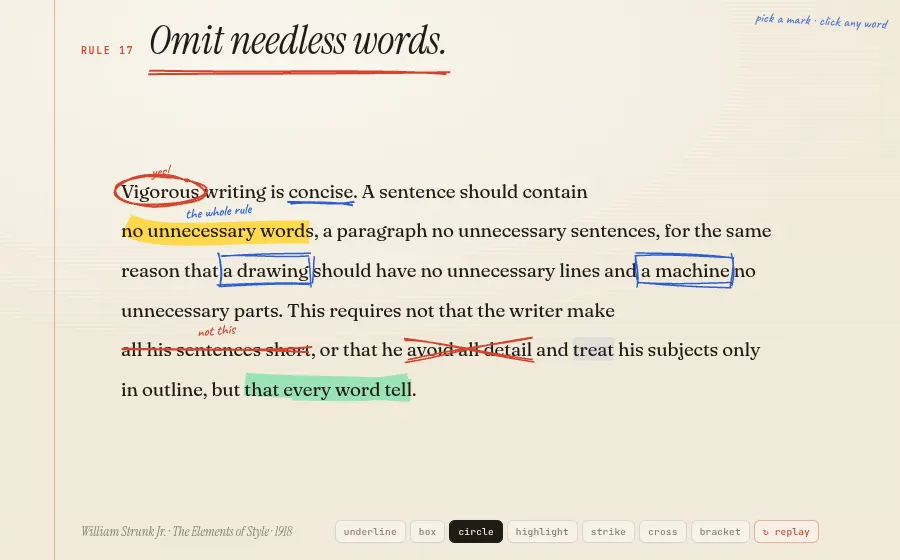
Rough Notation draws sketchy SVG underlines, boxes, circles, highlights, strike-throughs and brackets over live DOM text using rough.js, and animates the stroke as if drawn by hand. An annotationGroup plays an editor's pass over Strunk's Rule 17; then you pick a mark and annotate any word yourself.

npm i rough-notation
const script = [
  ['m-vig',  { type: 'circle', color: C.red, strokeWidth: 2, padding: [4, 10] }],
  ['m-words', { type: 'highlight', color: C.hi, multiline: true }],
  ['m-all',  { type: 'strike-through', color: C.red, strokeWidth: 2 }],
  ['text',   { type: 'bracket', brackets: ['left', 'right'], padding: [2, 14] }],
];
const marks = script.map(([id, cfg]) => annotate(document.getElementById(id), cfg));
annotationGroup(marks).show(); // plays in sequence
live demopick a theme · hover tokens↗ full window
vanilla

ShikiOne block, every theme

TextMate-grammar syntax highlighter with VS Code themes

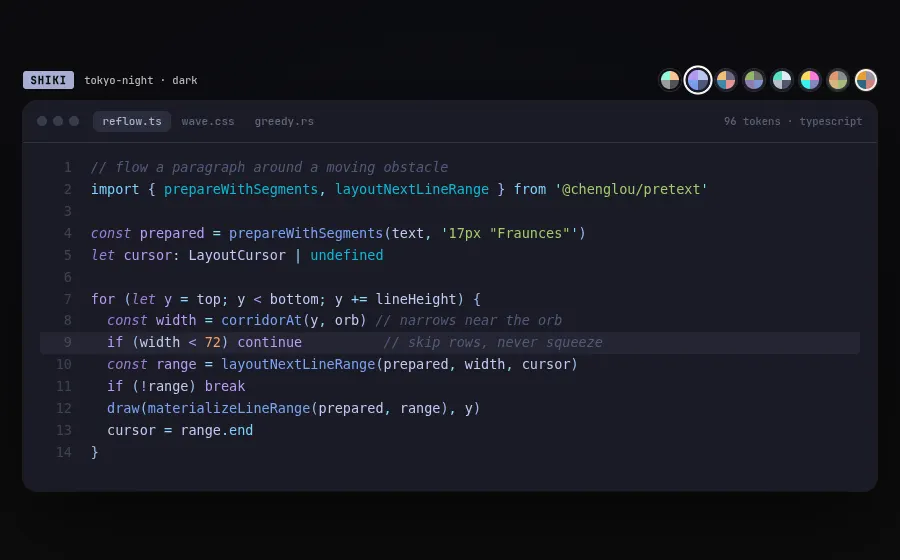
Shiki highlights code with the same TextMate grammars and themes as VS Code, so output matches the editor exactly, and it runs fully in the browser with a pure-JS regex engine (no WASM). The same snippet cross-fades through eight themes; swatches are built from each theme's own token colours and hovering a token shows its TextMate scope.

npm i shiki
const hl = await createHighlighterCore({
  themes: [import('@shikijs/themes/vesper'), import('@shikijs/themes/tokyo-night') /* … */],
  langs: [import('@shikijs/langs/typescript'), import('@shikijs/langs/css')],
  engine: createJavaScriptRegexEngine(), // no WASM
});

const html = hl.codeToHtml(code, {
  lang, theme: name, includeExplanation: 'scopeName', transformers: [scopeTagger],
});
live demohover the letters↗ full window
vanilla

Splitting.jsVariable-font CSS wave

Splits text into spans with CSS custom-property indexes

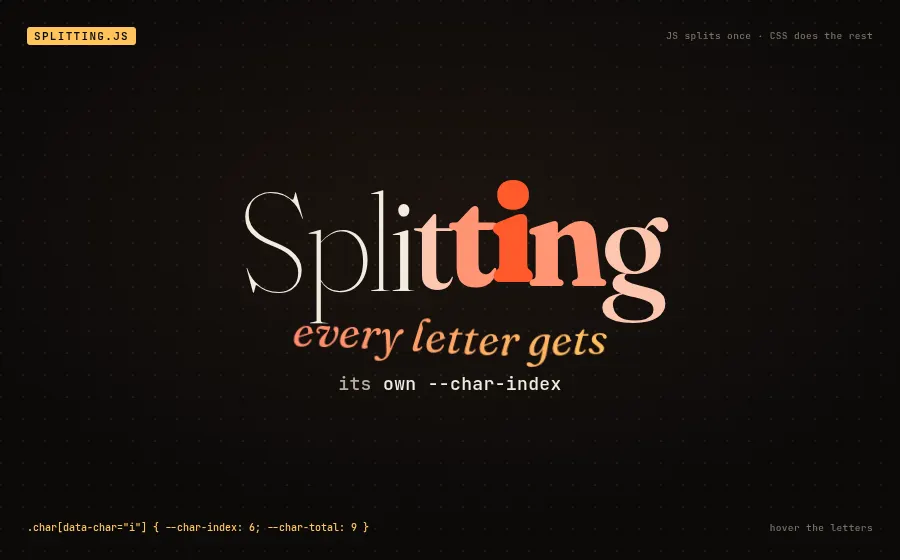
Splitting.js makes one pass over the DOM, wrapping each word and character and giving it --char-index and --char-total custom properties; everything after that is plain CSS. A registered @property sweeps a highlight across the word, and each letter computes its own variable-font weight, softness, colour and lift from its distance to it.

npm i splitting
Splitting({ target: '[data-splitting]', by: 'chars' });

/* CSS does the rest */
@property --hi { syntax: '<number>'; inherits: true; initial-value: 0; }
.wave .char {
  --d: max(var(--char-index) - var(--hi), var(--hi) - var(--char-index));
  font-variation-settings:
    'wght' clamp(120, 900 - var(--d) * 200, 900),
    'SOFT' clamp(0, 100 - var(--d) * 40, 100);
}
live demopick a hand · type your own line↗ full window
vanilla

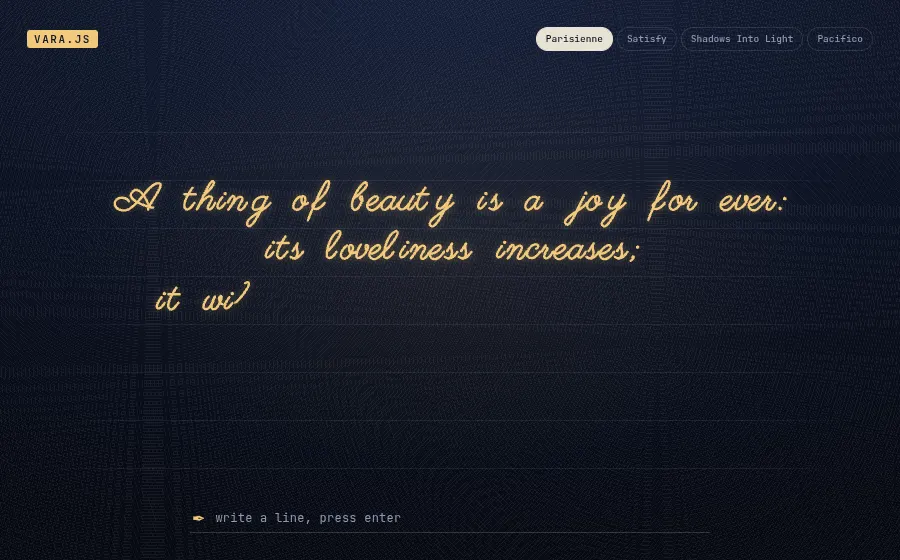
VaraKeats, written by hand

Animated SVG handwriting from stroke-path fonts

Vara draws text stroke by stroke from single-line font files, so letters appear in pen order instead of fading in. A Keats couplet is written out and re-written in four script hands; type your own line and Vara writes it on the ruled pad.

npm i vara
import Vara from 'vara';
import parisienne from 'vara/fonts/Parisienne/Parisienne.json?url';

const texts = lines.map((text, i) => ({
  text, fontSize: fs, strokeWidth: 1.6, color: '#f2c879',
  duration: 240 + text.length * 50, textAlign: 'center',
  y: i * gap, fromCurrentPosition: { y: false },
}));
const vara = new Vara('#pad', parisienne, texts, { textAlign: 'center' });
vara.animationEnd(i => { /* rewrite in the next hand */ });
04

◎Shaders, WebGL & 3D

8 demos

Globes, fluid ink, gradients with depth and flat pseudo-3D. GPU backdrops that fit in a hero section.

live demodrag to spin · click a city↗ full window
vanilla

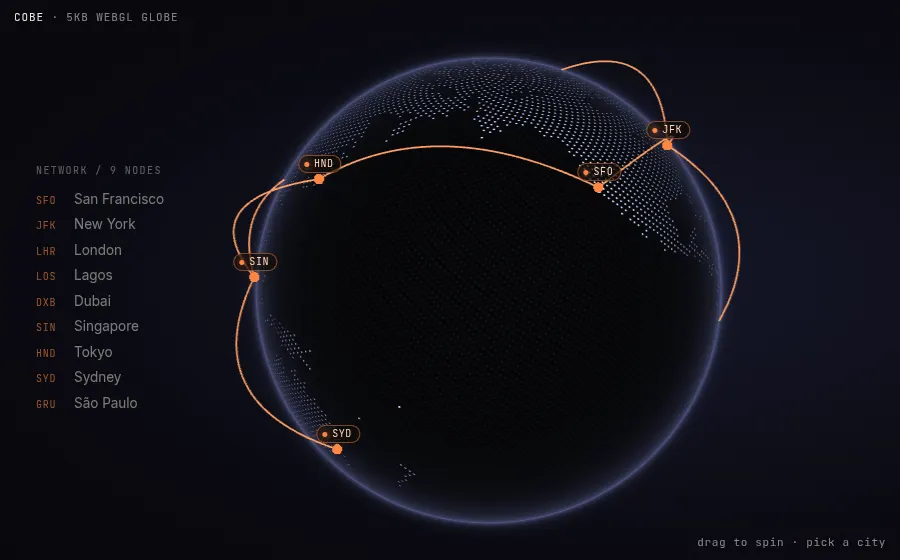
CobeGlobe with anchored labels

A 5 kB WebGL dotted globe with markers and arcs

Cobe draws a Fibonacci-sampled dot-matrix Earth in a single fragment shader, with no three.js and zero deps. Version 2 adds arcs and exposes every marker as a CSS anchor, so the labels here are plain DOM elements placed with CSS anchor positioning and faded by a --cobe-visible-* variable.

npm i cobe
const globe = createGlobe(canvas, {
  width: 600, height: 600, phi, theta, dark: 1,
  mapSamples: 20000, baseColor: [0.22, 0.24, 0.32],
  markerColor: [1, 0.52, 0.26], arcColor: [1, 0.62, 0.38],
  markers: cities.map((c) => ({ location: c.loc, size: 0.035, id: c.id })),
  arcs: arcs.map(([a, b]) => ({ from: byId[a].loc, to: byId[b].loc })),
});
// labels: plain DOM, positioned by CSS anchor positioning
el.style.positionAnchor = `--cobe-${c.id}`;
el.style.opacity = `var(--cobe-visible-${c.id}, 0)`;
function frame() { globe.update({ phi, theta }); requestAnimationFrame(frame); }
live demomove the mouse · switch effects↗ full window
vanilla

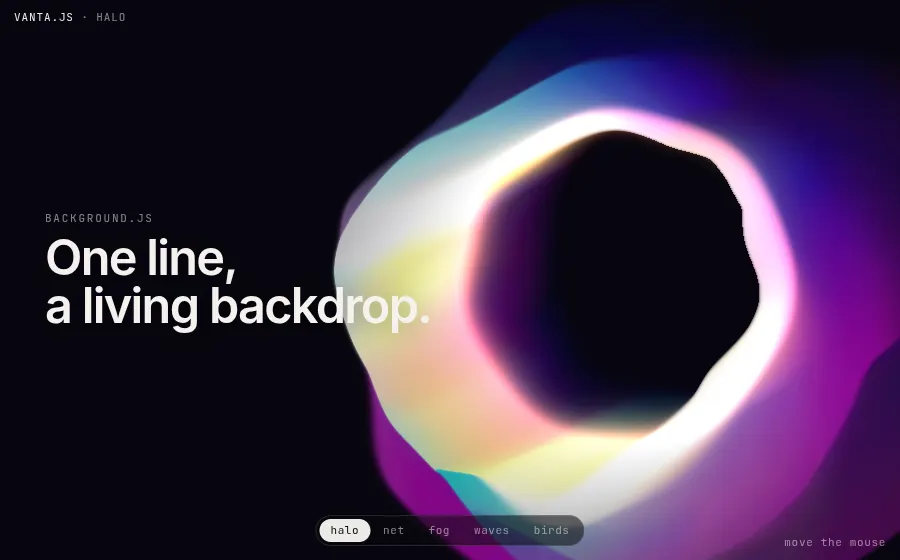
Vanta.jsFive living backdrops

Animated 3D website backgrounds in a few lines

Vanta wraps three.js scenes and shaders (halo, fog, net, waves, flocking birds) into drop-in background effects that track the mouse. You pass an element, a THREE instance and a palette; destroy() tears it down, which is what this switcher does.

npm i vanta three@0.134.0
import * as THREE from 'three';
import HALO from 'vanta/dist/vanta.halo.min';

const effect = HALO({
  el: document.getElementById('bg'), THREE,
  mouseControls: true, touchControls: true,
  baseColor: 0x1a0b5e, backgroundColor: 0x07060f,
  amplitudeFactor: 1.4, size: 1.6,
});
// later: effect.destroy()
live demomove to stir the ink↗ full window
vanilla

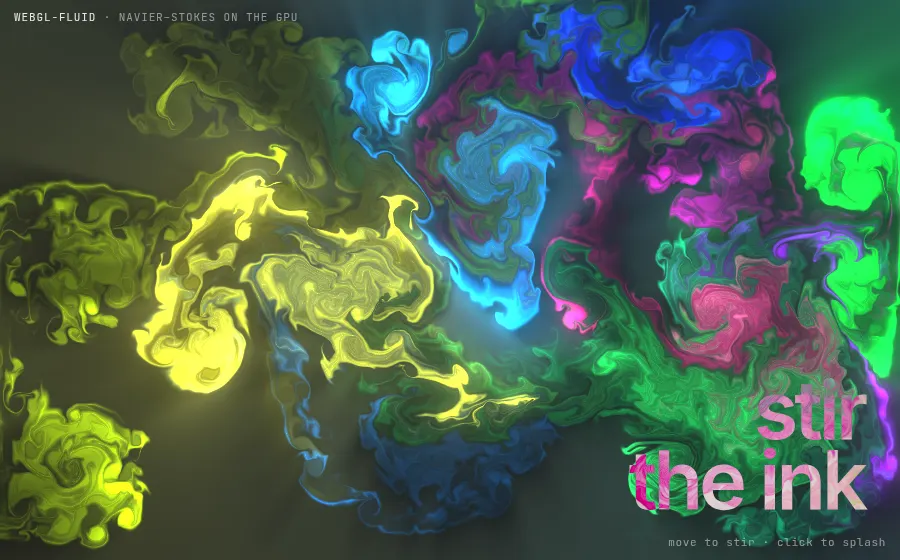
WebGL FluidGPU ink simulation

ESM port of PavelDoGreat's WebGL fluid simulation

This is a real Navier-Stokes solver running on the GPU: advection, pressure and curl passes, then bloom and sunrays post-processing. The webgl-fluid package turns the well-known demo into one function call with options for auto-splats, trigger mode and dissipation.

npm i webgl-fluid
WebGLFluid(canvas, {
  TRIGGER: 'hover',
  IMMEDIATE: true,
  AUTO: true, INTERVAL: 2600,
  DENSITY_DISSIPATION: 0.9,
  CURL: 38,
  SPLAT_RADIUS: 0.28,
  BACK_COLOR: { r: 4, g: 4, b: 10 },
  BLOOM: true, SUNRAYS: true,
});
live demopick a preset↗ full window
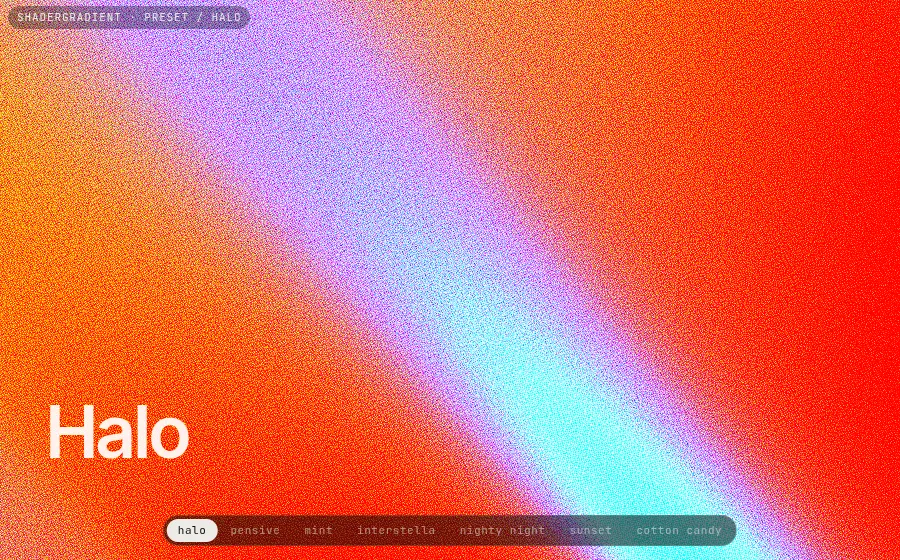
react

ShaderGradientGrainy 3D gradient presets

Animated, grainy 3D mesh gradients as a React component

ShaderGradient displaces a plane, water plane or sphere with noise and shades it with three colors plus film grain, which gives the soft, moving gradients you see on landing pages. Every look is a small set of props, so presets can be swapped and tweened.

npm i @shadergradient/react @react-three/fiber three
const p = presets[key];
const props = { ...p.props, lightType: '3d', control: 'props', enableTransition: true };

<ShaderGradientCanvas style={{ position: 'fixed', inset: 0 }} pixelDensity={1.5} fov={45}>
  <ShaderGradient {...props} />
</ShaderGradientCanvas>
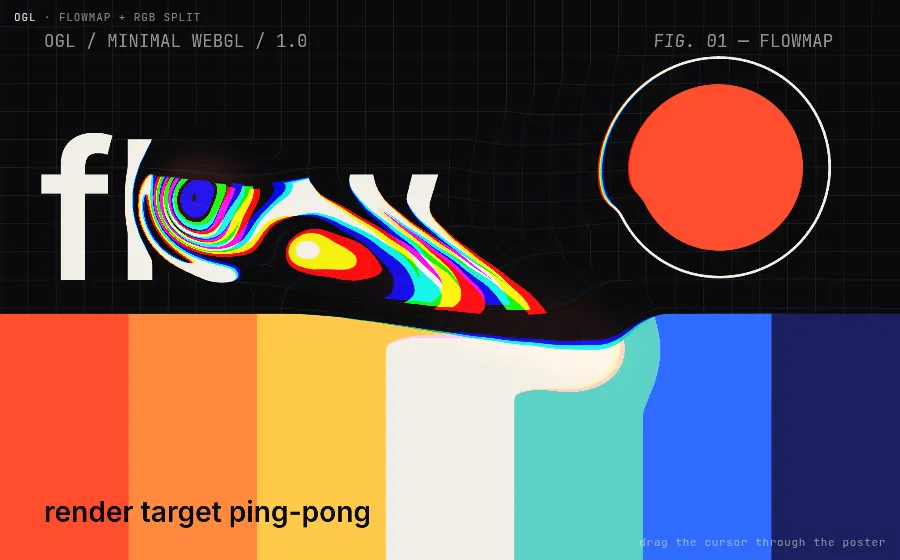
live demomove the cursor through the poster↗ full window
vanilla

OGLFlowmap poster distortion

Minimal WebGL library with a three.js-like API

OGL is a small, dependency-free WebGL abstraction with renderer, program, mesh and an extras folder. Its Flowmap helper ping-pongs render targets to record cursor velocity, and here that velocity drives a per-channel RGB-split warp of a procedurally drawn poster.

npm i ogl
const flowmap = new Flowmap(gl, { falloff: 0.28, dissipation: 0.965 });
const program = new Program(gl, { vertex, fragment,
  uniforms: { tWater: { value: texture }, tFlow: flowmap.uniform, res: { value: [0, 0, 1, 1] } } });
const mesh = new Mesh(gl, { geometry: new Triangle(gl), program });

function update() {
  flowmap.mouse.copy(mouse);
  flowmap.velocity.lerp(velocity, velocity.len() ? 0.5 : 0.1);
  flowmap.update();
  renderer.render({ scene: mesh });
}
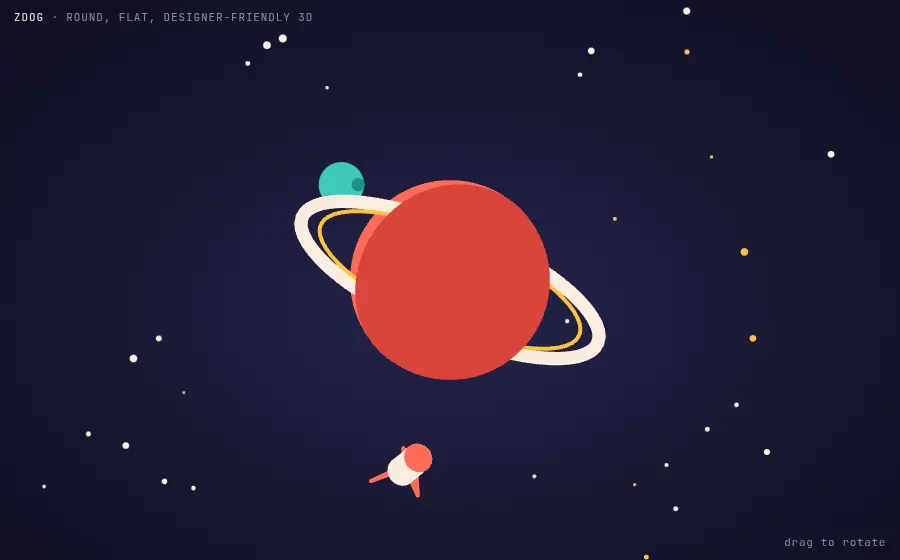
live demodrag to rotate↗ full window
vanilla

ZdogFlat 3D planet scene

Round, flat pseudo-3D engine for canvas and SVG

Zdog renders 3D models as flat 2D strokes, so everything gets round caps and solid fills, like vector illustration that can rotate. Shapes are composed from anchors, hemispheres, cones and paths, and dragRotate gives you an interactive scene in a few lines.

npm i zdog
const illo = new Zdog.Illustration({
  element: '.zdog', resize: true, dragRotate: true,
  onResize(w, h) { this.zoom = Math.min(w, h) / 420; },
});
const planet = new Zdog.Anchor({ addTo: illo, rotate: { z: -0.35 } });
new Zdog.Hemisphere({ addTo: planet, diameter: 150, stroke: false, color: '#ff6b57' });
new Zdog.Hemisphere({ addTo: planet, diameter: 150, stroke: false, color: '#d9443a',
  rotate: { y: TAU / 2 } });
const ring = new Zdog.Anchor({ addTo: planet, rotate: { x: TAU / 4 + 0.15 } });
new Zdog.Ellipse({ addTo: ring, diameter: 240, stroke: 10, color: '#fbeee0' });
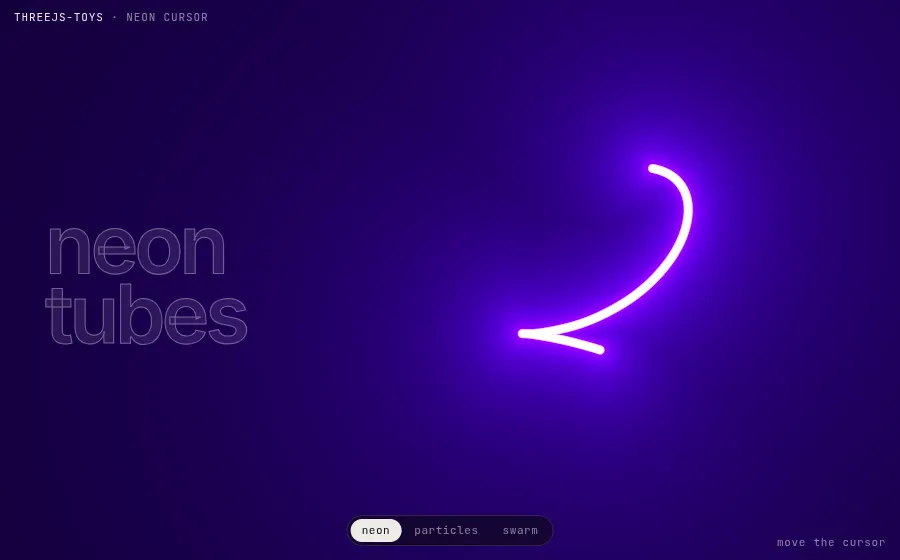
live demomove the cursor · switch toys↗ full window
vanilla

threejs-toysNeon tube cursor

Ready-made three.js cursor and background effects

Kevin Levron's threejs-toys packages shader-heavy effects as single functions: an SDF-bezier neon tube that follows the cursor, a GPGPU particle cursor, and an instanced swarm. Each takes an element and a config object and creates its own renderer.

npm i threejs-toys three
import { neonCursor } from 'threejs-toys';

neonCursor({
  el: document.getElementById('app'),
  shaderPoints: 16, curvePoints: 80, curveLerp: 0.5,
  radius1: 5, radius2: 30, velocityTreshold: 10,
  sleepRadiusX: 160, sleepRadiusY: 110,
  sleepTimeCoefX: 0.0025, sleepTimeCoefY: 0.0035,
});
live demohover to grab · click to spawn↗ full window
vanilla

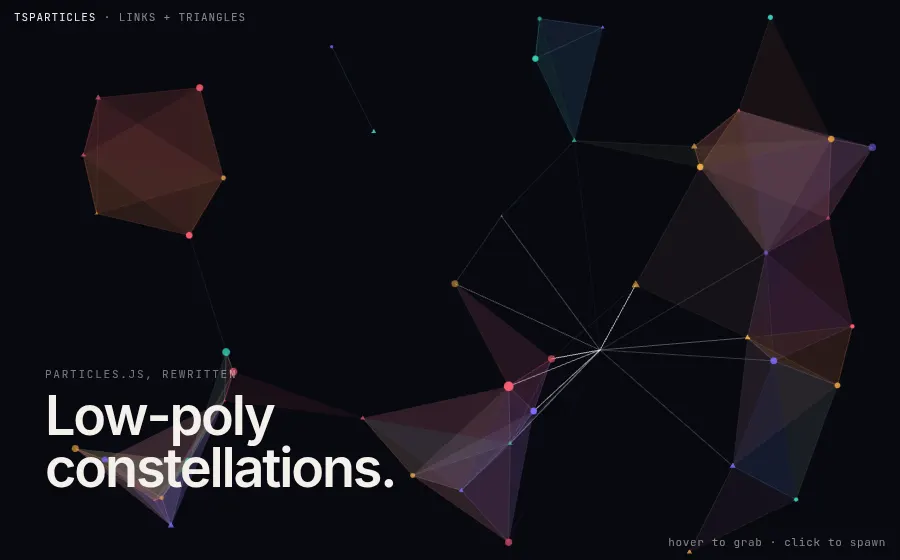
tsParticlesLow-poly constellations

Modular, configurable particle engine, successor to particles.js

tsParticles is a plugin-based rewrite of particles.js. Shapes, links, interactions and updaters are separate packages, and the whole scene is one options object. With link triangles enabled, neighbouring particles fill in as translucent faces, which gives a moving low-poly mesh.

npm i @tsparticles/engine @tsparticles/slim
await loadSlim(tsParticles);
await tsParticles.load({ id: 'tsparticles', options: {
  particles: {
    paint: { fill: { enable: true, color: { value: ['#ff5d73', '#ffb547', '#7c6cff', '#36d6c3'] } } },
    links: { enable: true, distance: 150, color: { value: 'random' },
      triangles: { enable: true, opacity: 0.07 } },
    move: { enable: true, speed: 0.9, outModes: { default: 'bounce' } },
  },
  interactivity: { events: { onHover: { enable: true, mode: ['grab', 'bubble'] },
    onClick: { enable: true, mode: 'push' } } },
} });
05

✧Visual effects & generative art

8 demos

Liquid glass refraction, CSS-only glitch, generative patterns, SDF sculptures and low-poly fields. Effects with a signature look.

live demomove pointer · pick wallpaper or mode↗ full window
react

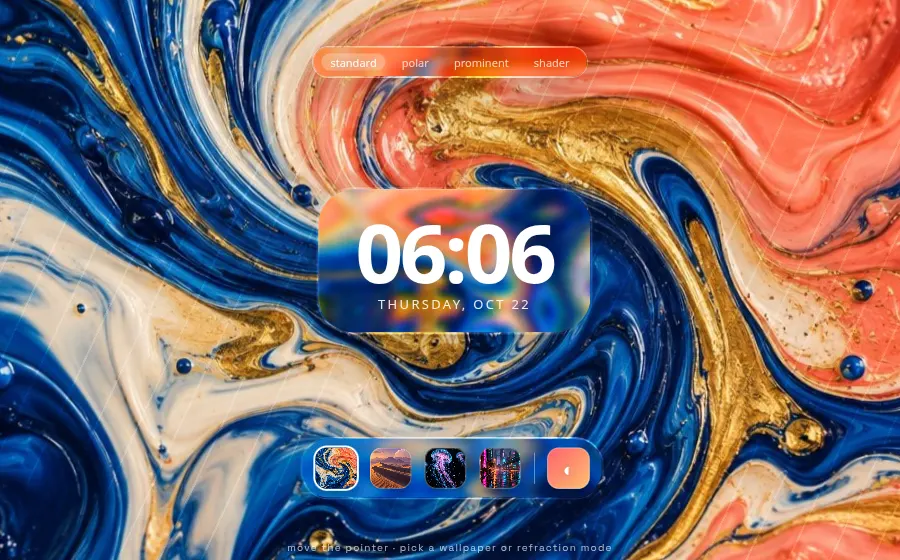
liquid-glass-reactRefracting glass lock screen

Apple-style liquid glass React component with real refraction

Instead of a frosted backdrop-filter blur, it bends the content behind each panel with an SVG displacement map, adds chromatic aberration at the rim and stretches the glass elastically toward the pointer. The four refraction modes (standard, polar, prominent, shader) change how the edge lenses light. Full displacement renders in Chromium; Safari and Firefox fall back to a partial effect.

npm i liquid-glass-react
<LiquidGlass
  mouseContainer={scene}
  cornerRadius={36}
  displacementScale={90}
  blurAmount={0.04}
  saturation={150}
  aberrationIntensity={3}
  elasticity={0.35}
  mode={mode}  // 'standard' | 'polar' | 'prominent' | 'shader'
>
  <div className="clock">…</div>
</LiquidGlass>
live demomove to rotate · click to morph↗ full window
vanilla

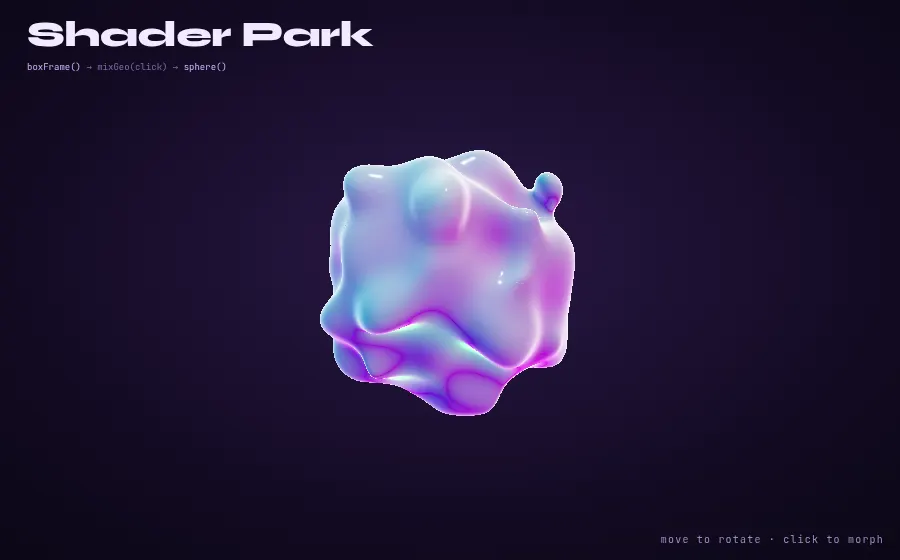
Shader ParkMorphing SDF sculpture

Write raymarched SDF shaders as plain JavaScript

You describe a 3D form with JS calls like sphere(), boxFrame(), noise() and mixGeo(), and Shader Park compiles them to a raymarched GLSL signed-distance field rendered on a three.js mesh. Shapes blend smoothly with no polygons, and uniforms like time, mouse and a click input drive them live.

npm i shader-park-core three
const spCode = `
  let click = input();
  let s = getSpace();
  let n = noise(s * 2.4 + vec3(0, 0, time * 0.35));
  metal(0.8);
  shine(0.9);
  rotateY(time * 0.25 + mouse.x * 2.2);
  boxFrame(vec3(0.5), 0.045 + abs(n) * 0.05);
  mixGeo(click);
  sphere(0.5 + n * 0.14);
`;
const mesh = createSculpture(spCode, () => ({ time: state.time, click: state.click, mouse: state.mouse }), { radius: 1.15, segments: 48 });
live demohover title · click for burst↗ full window
vanilla

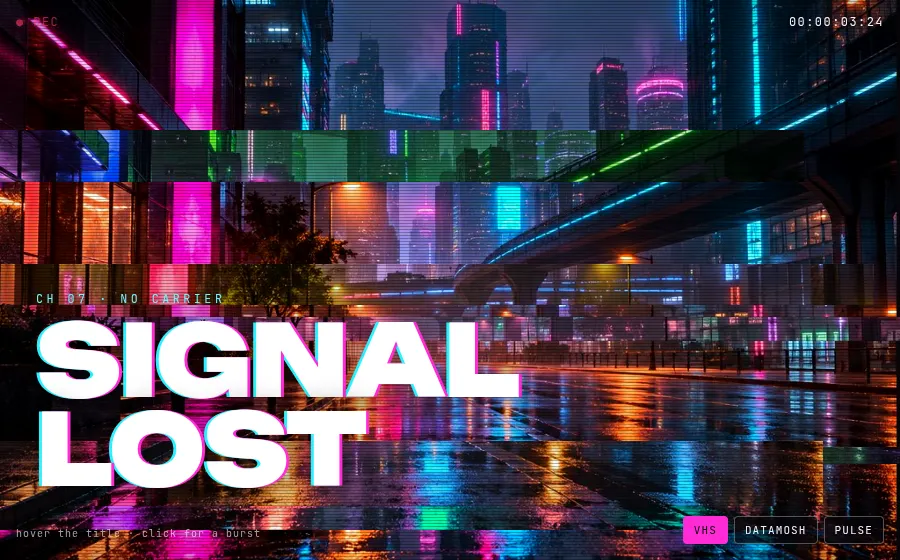
PowerGlitchVHS signal-lost glitch

Tiny library that glitches any DOM element with pure CSS

PowerGlitch clones an element into layers and animates clip-path slices, shake and hue-rotate with CSS keyframes, so images, text and buttons glitch without canvas or WebGL. Effects play always, on hover, on click or manually, and the whole configuration is one options object.

npm i powerglitch
imgGlitch = PowerGlitch.glitch(img, {
  playMode: 'always',
  timing: { duration: 2600, iterations: Infinity },
  glitchTimeSpan: { start: 0.45, end: 0.7 },
  shake: { velocity: 12, amplitudeX: 0.04, amplitudeY: 0.02 },
  slice: { count: 6, velocity: 14, minHeight: 0.02, maxHeight: 0.12, hueRotate: true },
});
// Title: only glitches while hovered
PowerGlitch.glitch(title, { playMode: 'hover', timing: { duration: 900, iterations: Infinity } /* … */ });
document.getElementById('frame').addEventListener('click', () => burst.startGlitch());
live demopick palette · reseed · toggle wireframe↗ full window
vanilla

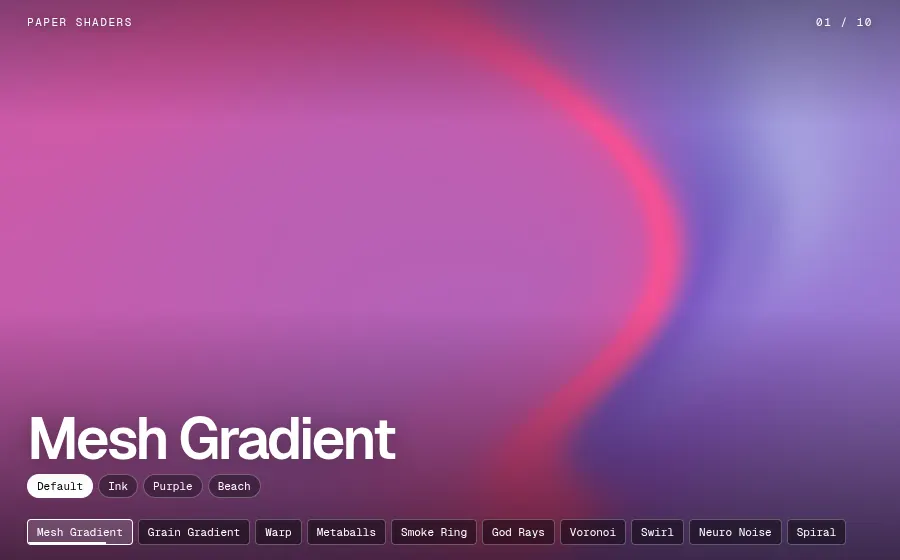
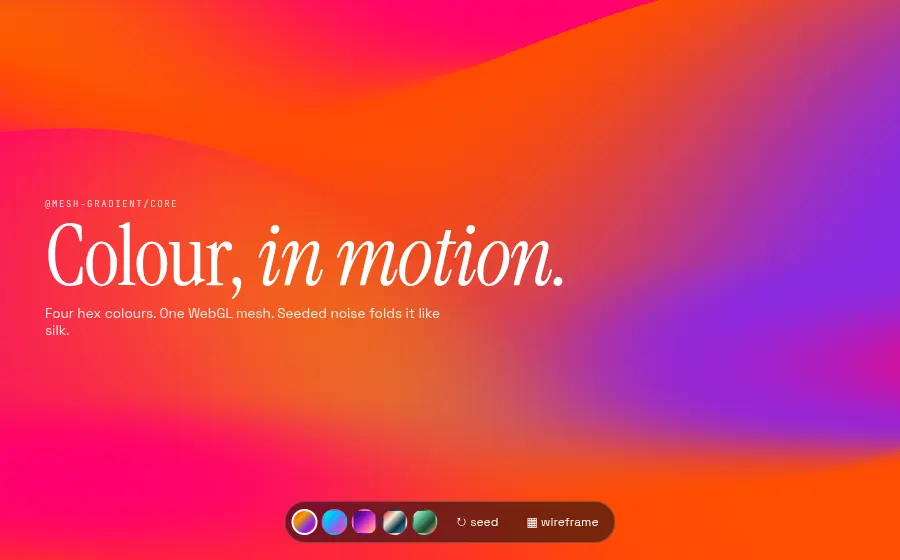
Mesh GradientSilk-fold colour field

Stripe-style animated WebGL mesh gradients from four colours

Four hex colours go in and a noise-displaced WebGL plane comes out, folding like fabric. Seed, frequency and speed are plain options, colour and seed changes tween smoothly, and a wireframe flag exposes the underlying mesh. It is framework-free and pauses itself when scrolled out of view.

npm i @mesh-gradient/core
const gradient = new MeshGradient();
gradient.init('#gradient', {
  colors: ['#ff4e00', '#ec9f05', '#8a2be2', '#ff006e'],
  seed: 7,
  animationSpeed: 1.2,
  frequency: { x: 0.00012, y: 0.0003, delta: 0.0001 },
  pauseOnOutsideViewport: true,
});
gradient.update({ colors: PALETTES[i], transition: true, transitionDuration: 600 });
gradient.update({ wireframe, transition: false });
live democlick for next · shuffle↗ full window
vanilla

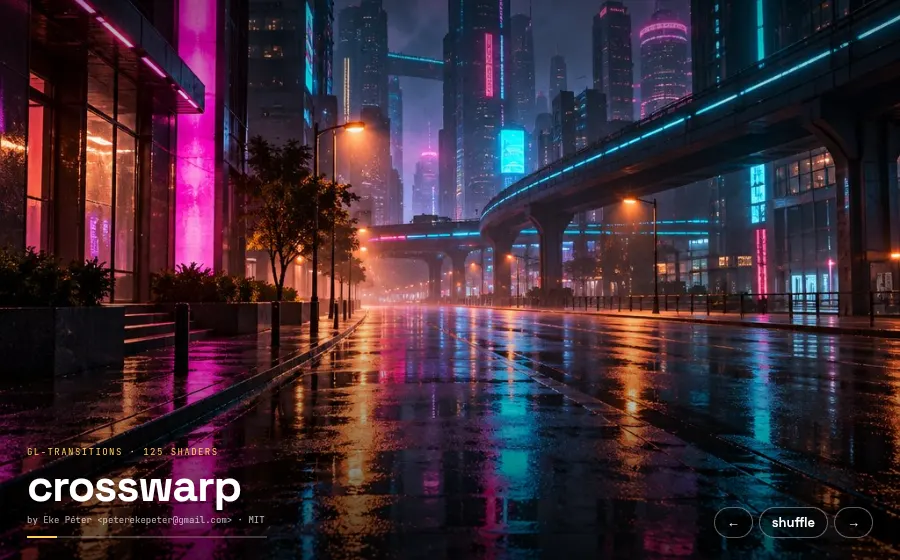
GL TransitionsGLSL transition slideshow

Open collection of 100+ GLSL image transitions

Every transition is one small GLSL function, transition(uv), that mixes two textures by a progress value, so the same file runs in a browser, a video editor or ffmpeg. The npm package ships the whole community collection with author and license metadata, and gl-transition renders any entry onto a WebGL canvas.

npm i gl-transitions gl-transition gl-texture2d
const usable = GLTransitions.filter((t) => !Object.values(t.paramsTypes).includes('sampler2D'));
const list = PICKS.map((n) => usable.find((t) => t.name === n)).filter(Boolean);

const getTransition = (t) => {
  if (!compiled.has(t.name)) compiled.set(t.name, createTransition(gl, t, { resizeMode: 'cover' }));
  return compiled.get(t.name);
};
textures = imgs.map((img) => createTexture(gl, img));

function drawFrame(p) {
  getTransition(list[tIndex]).draw(p, textures[from], textures[to], canvas.width, canvas.height);
}
live democlick to reshuffle · keys 1-4↗ full window
web components

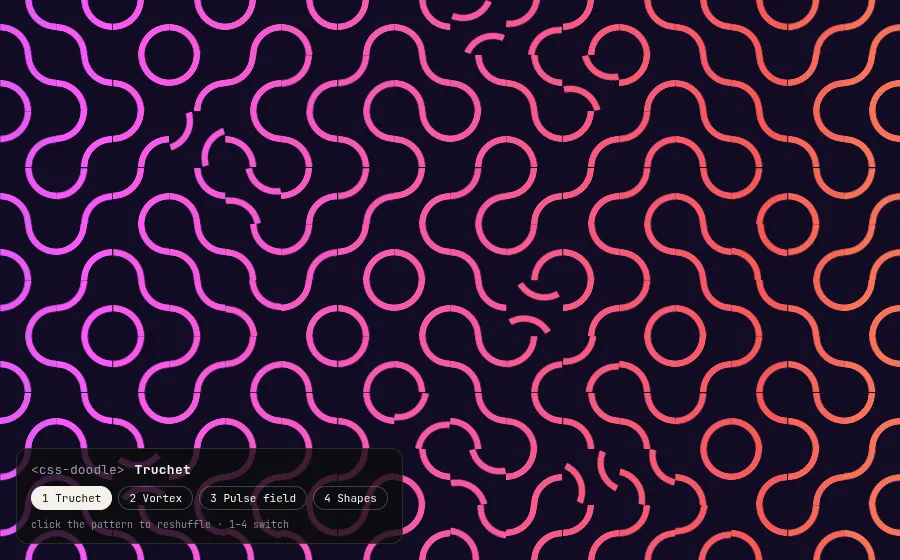
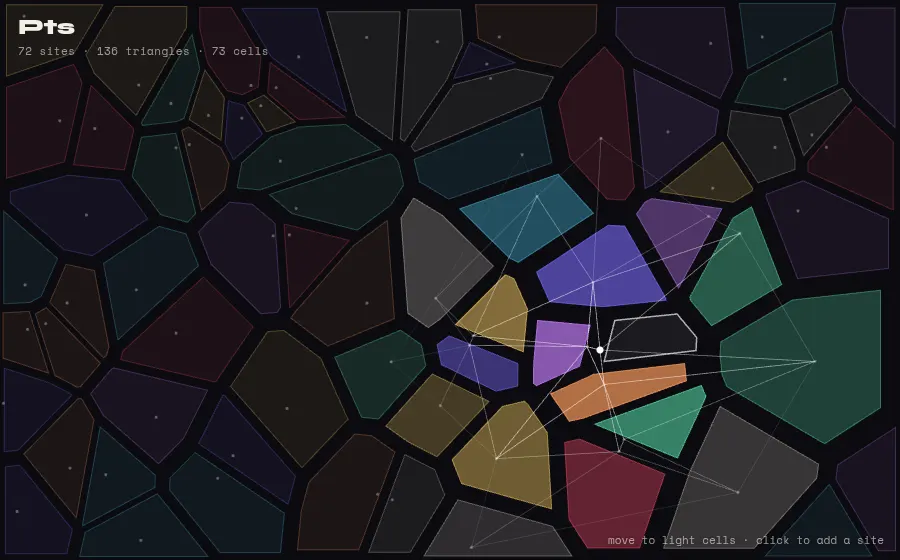
css-doodleGenerative CSS patterns

Web component that draws generative patterns with CSS grids

A <css-doodle> element turns its contents into a grid of cells, and a small grammar (@grid, @i, @x, @r, @p, @shape) lets one CSS rule vary per cell. The result is Truchet tiles, vortices and shape fields made entirely of DOM and CSS, and update() re-rolls every random value.

npm i css-doodle
<css-doodle>
  :doodle { @grid: 16 / 100vmax; background: #120c24; }
  --c: hsl(calc(290 + @x * 5) 92% 66%);
  background:
    radial-gradient(circle at 0 0, transparent 30.6%, var(--c) 31.4% 38.6%, transparent 39.4%),
    radial-gradient(circle at 100% 100%, transparent 30.6%, var(--c) 31.4% 38.6%, transparent 39.4%);
  transform: rotate(@p(0deg, 90deg));
  animation-delay: @r(-7s, 0s);
</css-doodle>
live democlick to re-seed · move to tilt↗ full window
vanilla

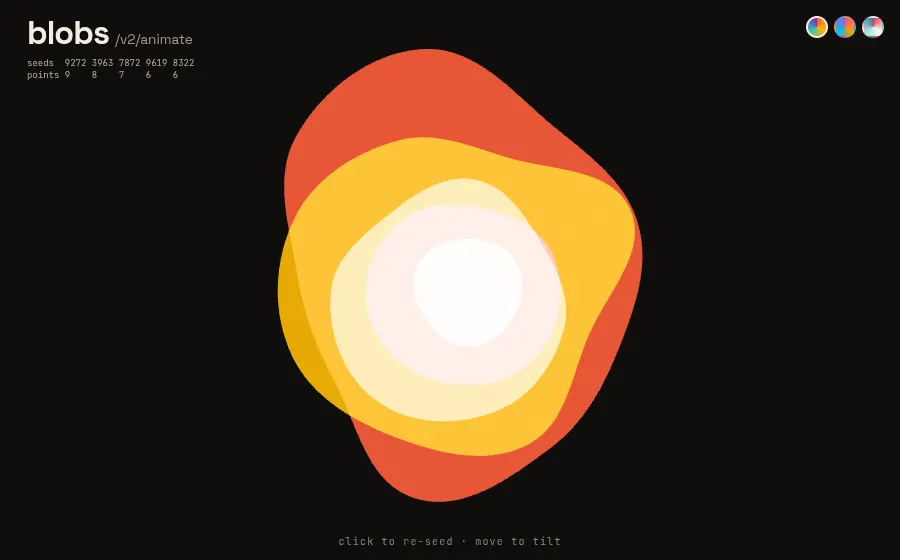
blobsLayered morphing blobs

Seeded random blob shapes that morph smoothly

blobs generates organic closed shapes from a seed, point count and randomness value, then interpolates between any two of them, even with different point counts, without kinks. Output is an SVG path or a Path2D for canvas, and its keyframe API with easing callbacks makes looping morphs a few lines.

npm i blobs
const opts = (layer, seed) => ({ seed, extraPoints: layer.extraPoints, randomness: layer.randomness, size: SIZE });

const animation = blobs2Animate.canvasPath();
const loop = () => {
  seeds[i] = Math.floor(Math.random() * 10000);
  animation.transition({ duration: layer.duration, timingFunction: 'ease', callback: loop, blobOptions: opts(layer, seeds[i]) });
};
animation.transition({ duration: 0, callback: loop, blobOptions: opts(layer, seeds[i]) });

// every frame, per layer
ctx.fill(animation.renderFrame());
06

✎Hand-drawn & sketchy

7 demos

Wobbly lines on purpose. Sketch-rendered shapes, charts, UI kits, whiteboards and pressure-sensitive ink.

live demomove the kite · click to plant↗ full window
vanilla

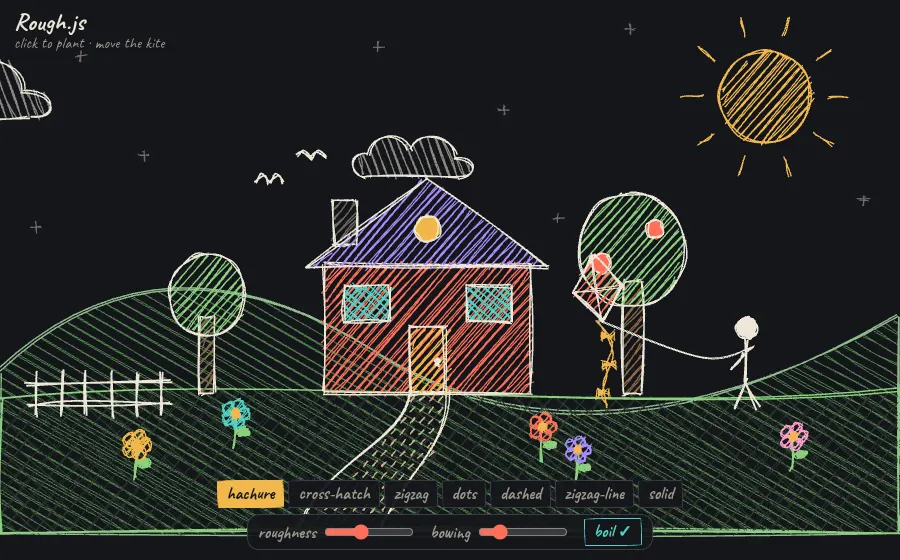
Rough.jsBoiling sketchbook landscape

Draw shapes that look hand-sketched, on canvas or SVG

Rough.js turns any rectangle, ellipse, polygon or SVG path into wobbly, hand-drawn strokes with hachure, cross-hatch, zigzag or dot fills. A seed makes each sketch reproducible, so cycling through three seeds gives the 'line boil' of hand-drawn animation. At under 9 kB gzipped, it powers Excalidraw-style UIs and wired-elements.

npm i roughjs
const rc = rough.canvas(canvas);
const o = (i, extra = {}) => ({
  roughness: state.roughness, bowing: state.bowing, seed: seedBase * 97 + i,
  stroke: C.ink, fillStyle: state.fillStyle, hachureGap: 7, ...extra,
});
rc.rectangle(360, 300, 230, 145, o(i++, { fill: C.coral }));
rc.polygon([[340, 305], [475, 205], [610, 305]], o(i++, { fill: C.violet }));
rc.circle(702, 285, 130, o(i++, { fill: C.green }));
rc.curve(tail, o(i++, { stroke: C.amber }));
live demofill the form · toggle night · re-sketch↗ full window
web components

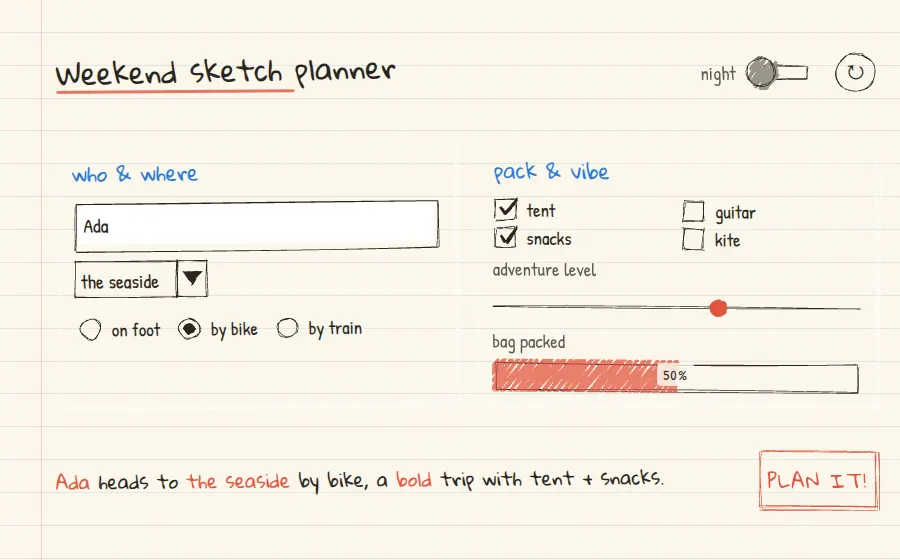
Wired ElementsNotebook-paper trip planner

Hand-drawn UI web components for wireframe-style interfaces

Wired Elements is a set of Lit web components (buttons, inputs, combos, sliders, toggles, progress bars) drawn with Rough.js. Each control re-sketches itself at its real pixel size, so no two renders are identical. They work in any framework or none, and are useful for prototypes that should look unfinished.

npm i wired-elements
<wired-card elevation="3">
  <wired-input id="name" placeholder="your name"></wired-input>
  <wired-combo id="dest" selected="seaside">
    <wired-item value="seaside">the seaside</wired-item>
  </wired-combo>
  <wired-slider id="adv" min="0" max="100" value="62"></wired-slider>
  <wired-progress id="meter" value="50" percentage></wired-progress>
</wired-card>
<wired-button elevation="2">plan it!</wired-button>
live demohover the lines · pick a chart↗ full window
vanilla

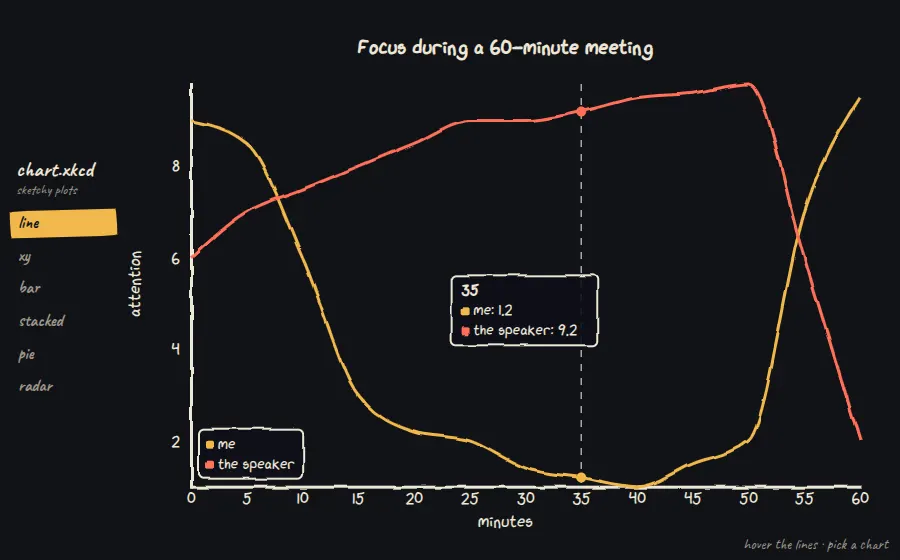
chart.xkcdSix xkcd-style chart types

xkcd-style sketchy charts: line, XY, bar, pie, radar

chart.xkcd draws charts the way Randall Munroe does: jittery axes, the xkcd handwriting font (embedded in the bundle) and boxed tooltips that follow the cursor. It has six chart types behind a Chart.js-like config with no dependencies, and supports custom stroke and background colours for dark themes.

npm i chart.xkcd
new chartXkcd.Line(svg, {
  title: 'Focus during a 60-minute meeting',
  xLabel: 'minutes', yLabel: 'attention',
  data: {
    labels: ['0', '5', '10', '15', '20', '25', '30'],
    datasets: [{ label: 'me', data: [9, 8.5, 6, 3, 2.2, 2, 1.4] }],
  },
  options: { backgroundColor: '#111216', strokeColor: '#ece6d6',
    yTickCount: 4, legendPosition: chartXkcd.config.positionType.downLeft },
});
live demoswitch fills · drag roughness · hover bars↗ full window
vanilla

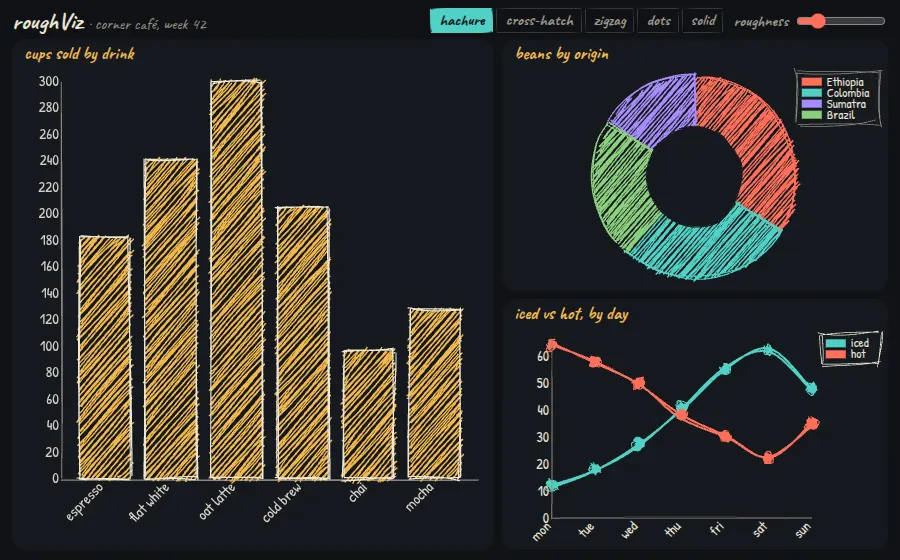
roughVizSketchy café dashboard

D3 charts rendered with Rough.js hand-drawn strokes

roughViz is a set of D3 charts (bar, donut, line, scatter, stacked) rendered with Rough.js, so fills come out as hachure, zigzag or dot patterns and outlines wobble. Fill style and roughness are plain options, and redrawing the chart re-sketches it, which this demo uses for an idle shimmer. Good for data that should feel informal or approximate.

npm i rough-viz
const bar = new Bar({
  element: '#bar',
  data: { labels: ['espresso', 'flat white', 'oat latte'], values: [182, 241, 300] },
  color: '#f2b84b', highlight: '#ff6f59', stroke: ink,
  fillStyle, roughness, font: 'Patrick Hand',
});
// controls just re-render with new options
bar.redraw({ ...opts, fillStyle: 'cross-hatch', roughness: 3 });
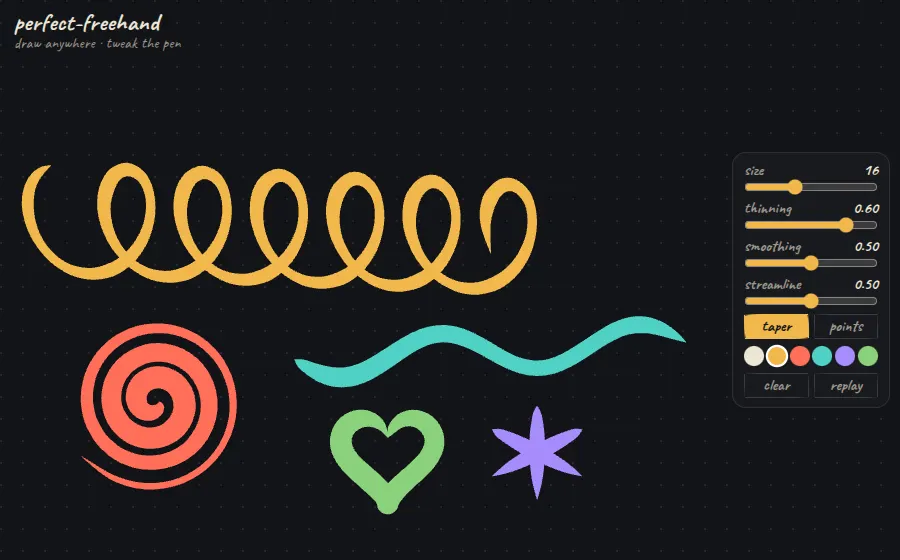
live demodraw anywhere · tweak the pen↗ full window
vanilla

perfect-freehandPressure-sensitive ink pad

Turns pointer points into smooth, pressure-sensitive ink outlines

perfect-freehand takes raw pointer samples and returns the outline polygon of a variable-width stroke, simulating pressure from speed when there is no stylus. Thinning, smoothing, streamline and taper are numbers you can tune live. It powers the ink in tldraw and Excalidraw-style apps, and you render the output yourself as SVG or canvas paths.

npm i perfect-freehand
const outline = getStroke(points, {
  size: 16, thinning: 0.6, smoothing: 0.5, streamline: 0.5,
  simulatePressure: !stroke.pen,
  start: { taper: size * 4, cap: true },
  end: { taper: size * 5, cap: true },
});
path.setAttribute('d', getSvgPathFromStroke(outline));
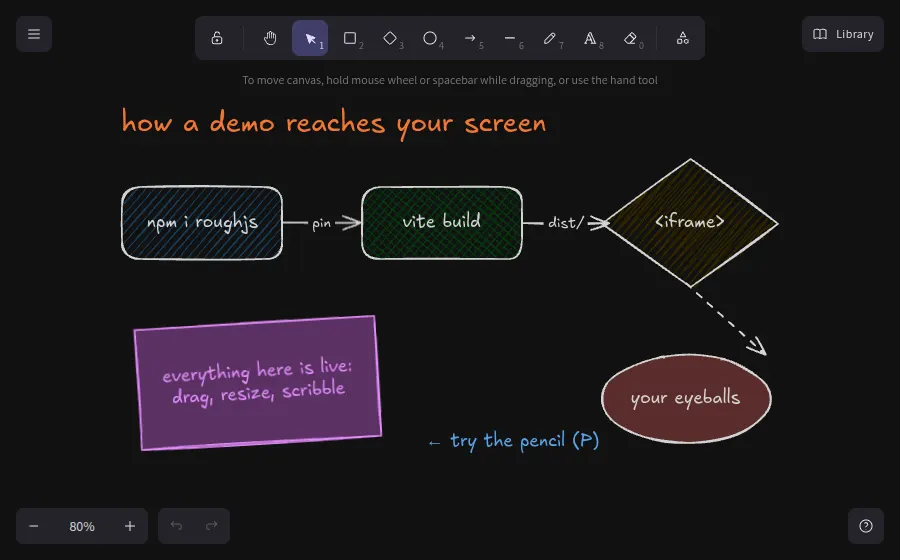
live demodrag shapes · press P to scribble↗ full window
react

ExcalidrawEmbedded hand-drawn whiteboard

The hand-drawn whiteboard, as an embeddable React component

@excalidraw/excalidraw is the full Excalidraw editor packaged as one React component, including its tools, Rough.js shapes and Excalifont handwriting. You can preload a scene from a compact skeleton format, drive it through an imperative API, and serve its fonts yourself instead of from a CDN. Useful for diagrams people should be able to edit in place.

npm i @excalidraw/excalidraw react react-dom
window.EXCALIDRAW_ASSET_PATH = new URL('../../excalidraw-assets/', location.href).href;

<Excalidraw
  theme="dark"
  initialData={{
    elements: convertToExcalidrawElements([
      { id: 'npm', type: 'rectangle', x: 40, y: 90, width: 200, height: 90,
        backgroundColor: '#a5d8ff', fillStyle: 'hachure', label: { text: 'npm i roughjs' } },
      { type: 'arrow', x: 240, y: 135, start: { id: 'npm' }, end: { id: 'vite' } },
    ]),
  }}
/>
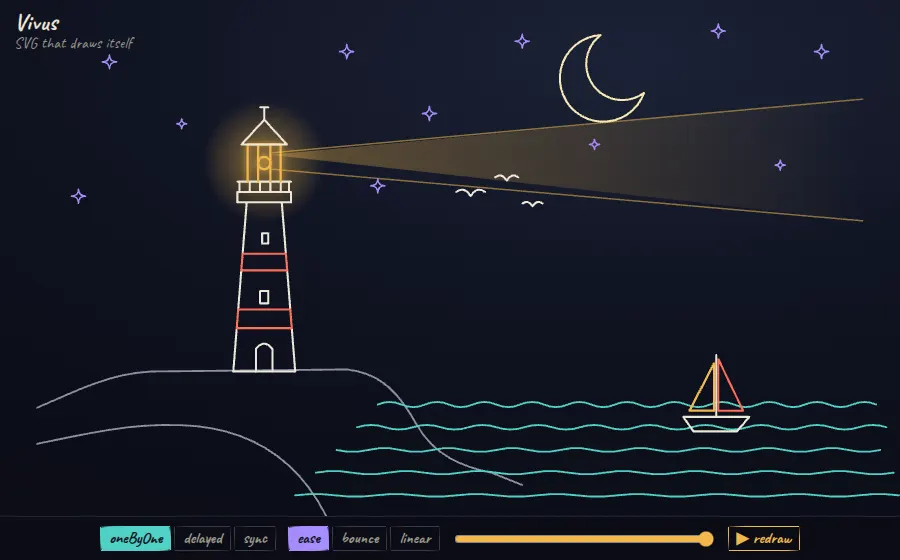
live demoscrub the timeline · switch draw modes↗ full window
vanilla

VivusLighthouse that draws itself

Animates SVG strokes so illustrations appear to draw themselves

Vivus animates stroke-dashoffset on every path of an inline SVG, so line art appears to be drawn by hand. It has three timing modes (delayed, sync, oneByOne), separate easing per path and for the whole timeline, and setFrameProgress() for scrubbing or scroll-linking. It has no dependencies and works on any SVG you already have.

npm i vivus
viv = new Vivus(svg, {
  type: 'oneByOne', start: 'manual', duration: 260,
  animTimingFunction: Vivus.EASE,
  pathTimingFunction: Vivus.EASE_OUT_BOUNCE,
});
viv.play(1, () => svg.classList.add('done'));   // draw
viv.play(-4, () => setTimeout(draw, 500));        // rewind
scrub.oninput = () => viv.stop().setFrameProgress(+scrub.value);
07

▣Retro OS & themed CSS

9 demos

Whole operating-system aesthetics as stylesheets: Windows 98, XP, 7, System 6, 8-bit consoles, cyberpunk HUDs and terminals.

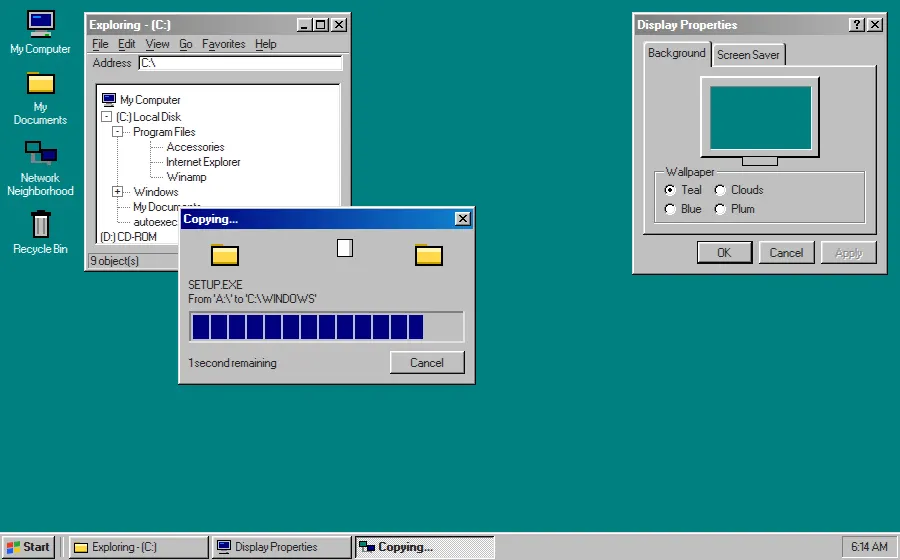
live demodrag windows · Start menu · pick wallpaper↗ full window
css

98.cssWindows 98 desktop

A CSS design system for faithful Windows 98 interfaces

98.css styles plain semantic HTML — buttons, fieldsets, tree views, tabs, progress bars — with pixel-exact Win98 bevels and a bundled bitmap MS Sans Serif. No JavaScript and no class soup: a <button> just looks like a Win98 button, so whole desktop UIs come from markup alone.

npm i 98.css
<div class="window">
  <div class="title-bar">
    <div class="title-bar-text">Display Properties</div>
    <div class="title-bar-controls">
      <button aria-label="Help"></button><button aria-label="Close"></button>
    </div>
  </div>
  <div class="window-body">
    <menu role="tablist"><li role="tab" aria-selected="true"><a href="#bg">Background</a></li></menu>
    <fieldset><legend>Wallpaper</legend> ...radios... </fieldset>
  </div>
</div>
live demoStart menu · switch tabs · drag windows↗ full window
css

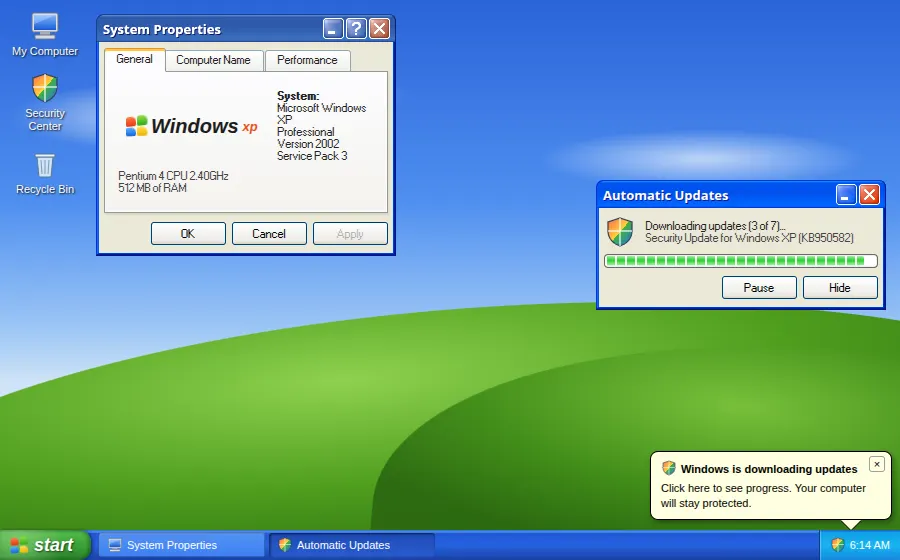
XP.cssWindows XP Luna

A CSS framework for Windows XP Luna-style interfaces

XP.css extends 98.css with the Luna theme: glossy blue title bars, rounded red close buttons, orange-highlighted tabs and the segmented green progress bar. Same semantic-HTML approach, so swapping eras is mostly a stylesheet change.

npm i xp.css
import 'xp.css/dist/XP.css';

<div class="window">
  <div class="title-bar">
    <div class="title-bar-text">Automatic Updates</div>
    <div class="title-bar-controls"><button aria-label="Minimize"></button><button aria-label="Close"></button></div>
  </div>
  <div class="window-body">
    <progress id="prog" max="100" value="20"></progress>
    <button id="pause">Pause</button><button>Hide</button>
  </div>
</div>
live demopick a glass colour · drag windows↗ full window
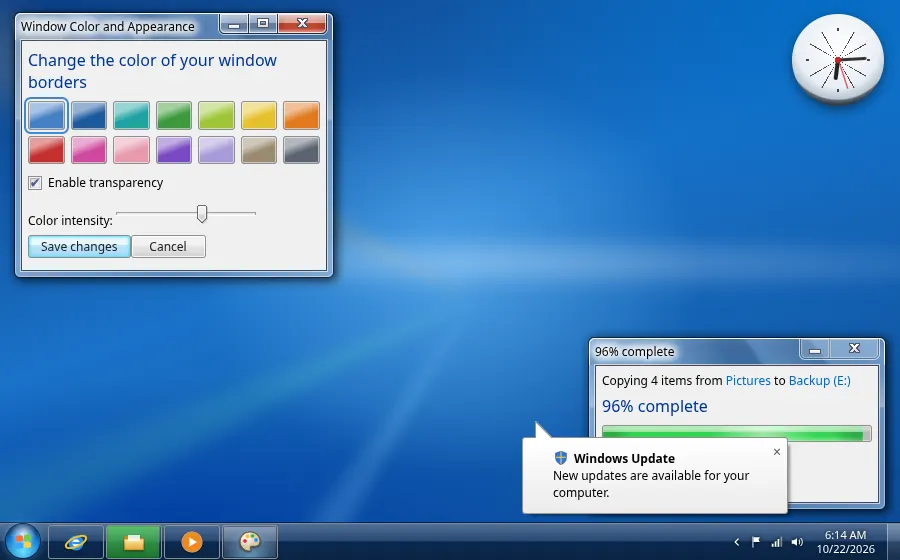
css

7.cssWindows 7 Aero glass

A CSS framework for Windows 7 Aero interfaces

7.css recreates Aero: translucent glass window frames, glowing caption buttons, the shimmering progress bar and balloon tooltips. The frame colour is one CSS custom property (--w7-w-bg), so the demo recolours every window live from a swatch picker.

npm i 7.css
<div class="window glass active">
  <div class="title-bar">
    <div class="title-bar-text">Window Color and Appearance</div>
  </div>
  <div class="window-body has-space">
    <p class="instruction instruction-primary">Change the color of your window borders</p>
    <input type="checkbox" id="glass" checked><label for="glass">Enable transparency</label>
  </div>
</div>
<div role="progressbar" class="animate"><div style="width:68%"></div></div>
<div role="tooltip" class="is-bottom is-right">New updates are available</div>
live demodouble-click icons · use the calculator↗ full window
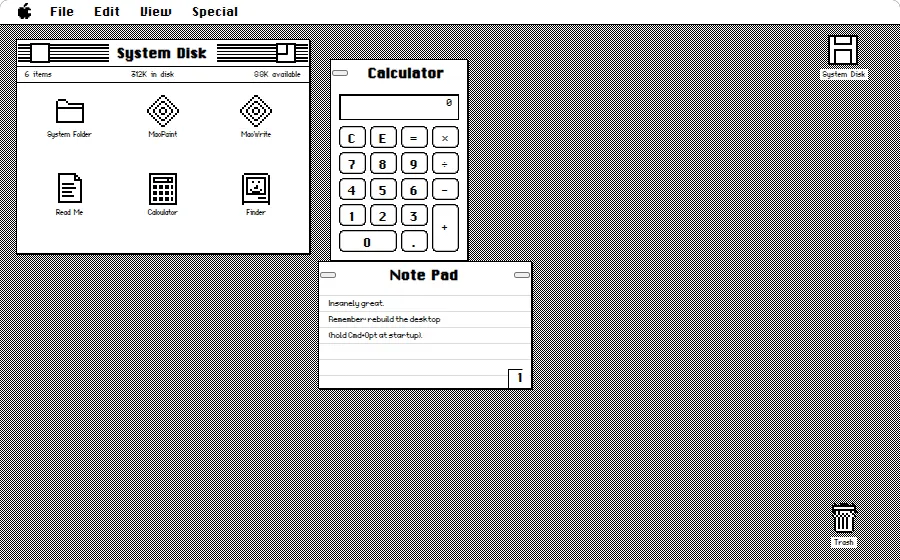
css

system.cssMacintosh System 6 Finder

A design system for retro Apple System 6 interfaces

system.css draws the 1-bit Macintosh look: pinstriped title bars, square close boxes, dithered desktop and recreated Chicago and Geneva bitmap fonts. Pure black and white with no anti-aliasing, so it stays crisp at integer zoom.

npm i @sakun/system.css
import '@sakun/system.css/dist/system.css';

<div class="window">
  <div class="title-bar">
    <button aria-label="Close" class="close"></button>
    <h1 class="title">System Disk</h1>
    <button aria-label="Resize" class="resize"></button>
  </div>
  <div class="details-bar"><span>6 items</span><span>312K in disk</span></div>
  <div class="window-pane"> ...icons... </div>
</div>
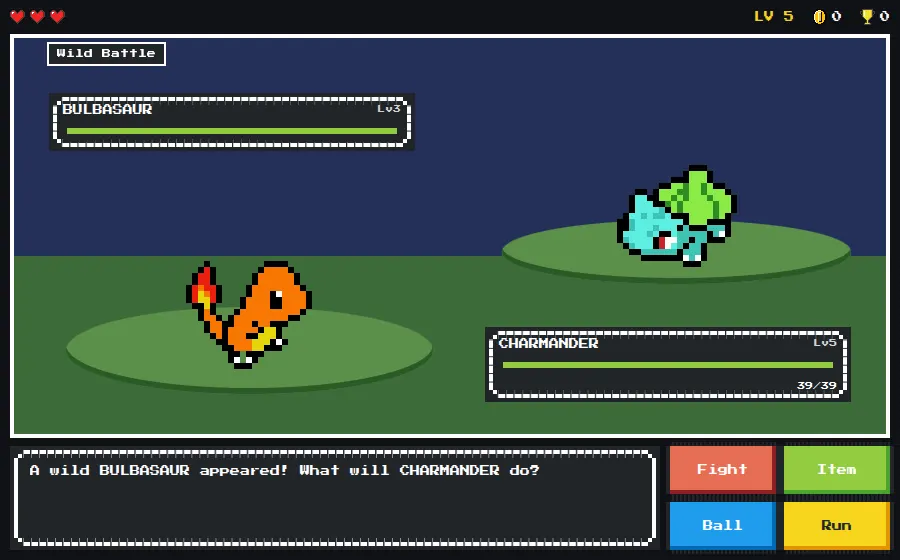
live demoFight · Item · Ball · Run↗ full window
css

NES.css8-bit monster battle

An NES-style 8-bit CSS framework

NES.css turns containers, buttons, progress bars and speech balloons into chunky 8-bit components with stepped pixel borders, and ships pixel-art icons and sprites as pure CSS. Pair it with Press Start 2P and a whole game UI comes out of class names.

npm i nes.css
<section class="nes-container is-dark with-title">
  <p class="title">Wild Battle</p>
  <div class="nes-container is-rounded is-dark">
    <span>BULBASAUR</span>
    <progress class="nes-progress is-success" value="100" max="100"></progress>
  </div>
  <i class="nes-bulbasaur"></i>
  <div class="nes-balloon from-right"><p>Bulba!</p></div>
</section>
<button class="nes-btn is-error">Fight</button>
<i class="nes-icon heart is-small"></i>
live demopress play · drag the windows↗ full window
vanilla

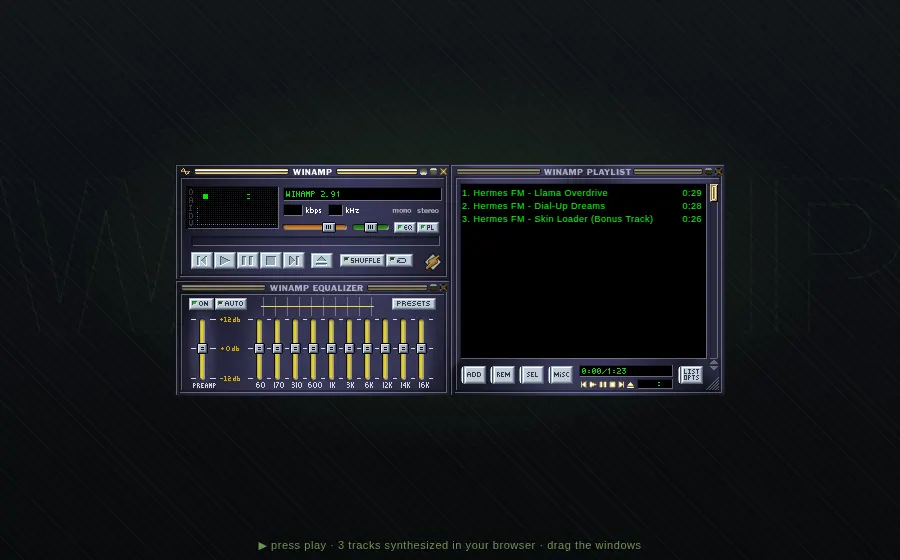
WebampWinamp 2 with synth chiptunes

Winamp 2.9 reimplemented in HTML5 and JavaScript

Webamp is a full reimplementation of Winamp 2.9: docking main, EQ and playlist windows, a working 10-band equalizer, the visualizer, and support for classic .wsz skins. Here the three tracks are synthesized in the browser with OfflineAudioContext and handed to Webamp as WAV blobs.

npm i webamp
const webamp = new Webamp({
  windowLayout: {
    main: { position: { top: 0, left: 0 } },
    equalizer: { position: { top: 116, left: 0 } },
    playlist: { position: { top: 0, left: 275 }, size: { extraHeight: 4, extraWidth: 0 } },
  },
  enableHotkeys: false,
});
await webamp.renderInto(amp);
webamp.appendTracks(tracks); // { blob, duration, metaData } from OfflineAudioContext
live democlick codes in the active row↗ full window
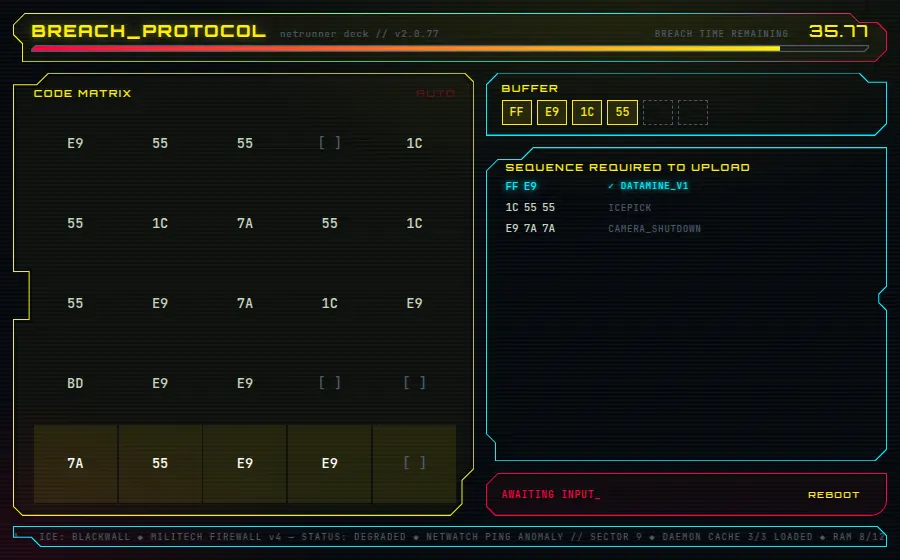
css

augmented-uiCyberpunk breach-protocol HUD

Cyberpunk clipped-corner borders from a data attribute

augmented-ui gives any element sci-fi geometry — clipped and rounded corners, notches, tabs, inset borders — from a single data-augmented-ui attribute, sized by CSS custom properties. No SVG and no extra DOM, so the panels stay responsive and animatable.

npm i augmented-ui
<section class="matrix-panel"
  data-augmented-ui="tl-clip-x tr-clip br-2-clip-y bl-clip l-rect-y both">
  <h2>CODE MATRIX</h2> ...
</section>

[data-augmented-ui] {
  --aug-border-all: 1px;
  --aug-border-bg: var(--c);
  --aug-tl: .9em; --aug-br: .9em;
}
.matrix-panel { --aug-border-bg: var(--y); --aug-l: 1.2em; }
live demotype commands · switch themes↗ full window
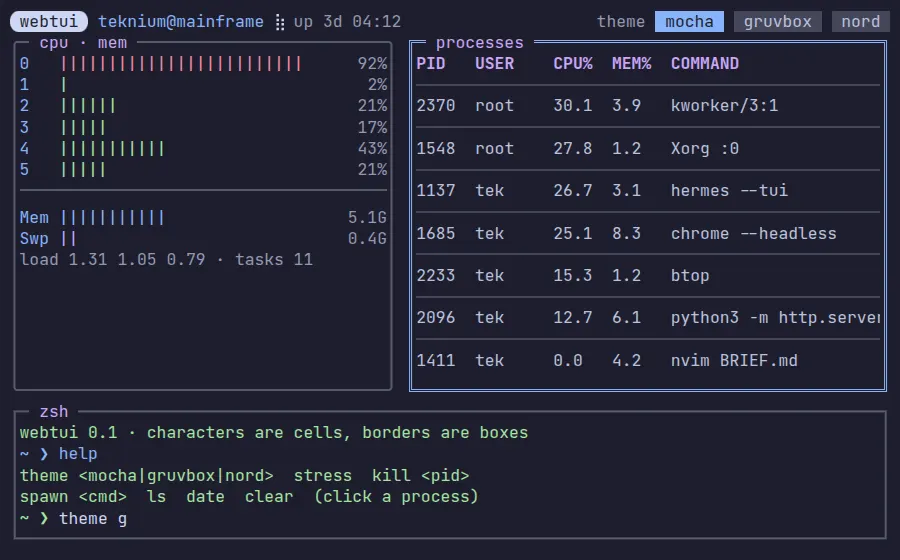
css

WebTUITerminal system monitor

Modular CSS library that brings terminal UIs to the browser

WebTUI lays out the web on a monospace character grid: box-drawing borders, badges, progress bars and tables align to cells, configured through attribute selectors like box-="round" and is-="badge". Themes such as Catppuccin, Gruvbox and Nord are separate packages switched with one data attribute.

npm i @webtui/css
@import '@webtui/css/utils/box.css';
@import '@webtui/css/components/badge.css';

<span is-="badge" variant-="foreground0" cap-="round">webtui</span>
<section box-="double" class="panel procs">
  <table divide-="horizontal"> ... </table>
</section>
<div is-="progress" id="mem"></div>

html.dataset.webtuiTheme = 'gruvbox-dark-medium';
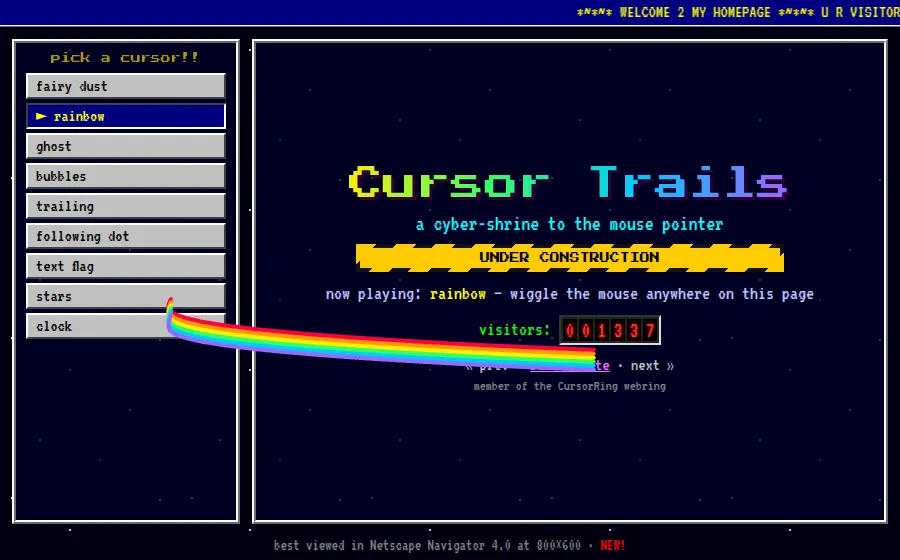
live demomove the mouse · pick a cursor↗ full window
vanilla

cursor-effects90s cursor trail shrine

Old-school 90s cursor trail effects in modern JavaScript

cursor-effects revives the GeoCities-era cursor trail: fairy dust, rainbow, ghost, bubbles, a clock and text flags, each drawn on a canvas and attached with one function call. Every effect returns a destroy() handle, so switching between them at runtime is easy.

npm i cursor-effects
import { rainbowCursor, fairyDustCursor } from 'cursor-effects';

let current = rainbowCursor({
  element: page, length: 28, size: 4,
  colors: ['#ff0040', '#ff9900', '#ffee00', '#33ff66', '#00ccff', '#9966ff'],
});
// switch effects
current.destroy();
current = fairyDustCursor({ element: page, colors: ['#ff00ff', '#00ffff', '#ffff00'] });
08

↯Motion, physics & interaction

9 demos

Springs, timelines, layout transitions, smooth scroll, parallax and rigid-body physics. The libraries behind interfaces that feel physical.

live demohover to repel · click to ripple↗ full window
vanilla

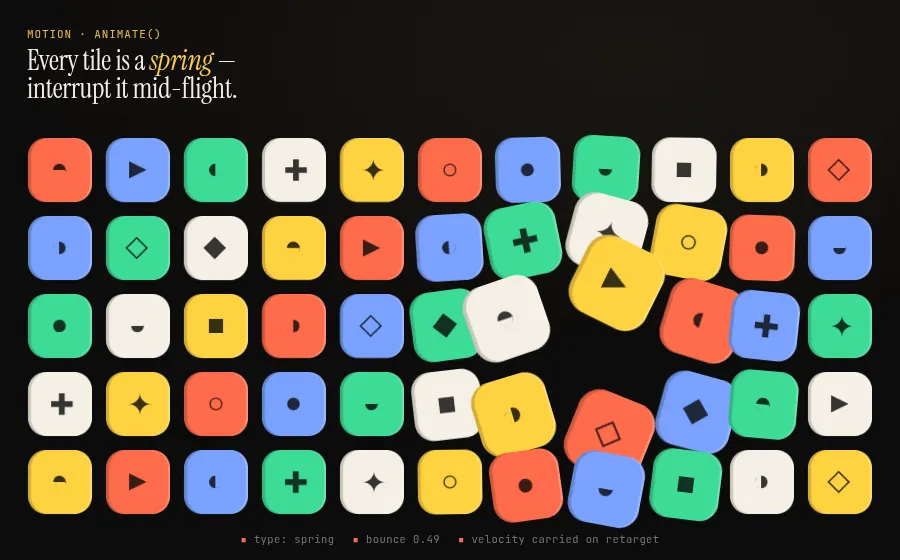
MotionInterruptible spring field

Production animation library for JS, React and Vue

Motion's vanilla animate() drives real spring physics through hardware-accelerated transforms, and re-targeting a running spring keeps its velocity, so a tile pushed mid-bounce never snaps. Function-valued delays and stagger() turn one call into a grid-wide ripple; press() adds tactile gestures without a framework.

npm i motion
// re-target on every pointer move — velocity carries over
animate(cell, { x: tx, y: ty, scale: s, rotate: rot },
  { type: spring, stiffness: 320, damping: 14, mass: 0.8 });

// grid ripple: delay is any function of the index
animate(tiles, { y: [0, -size * 0.45, 0], rotate: [r0, rotAcc] },
  { duration: 0.6, ease: [0.22, 1, 0.36, 1], delay: (i) => dist[i] * 0.05 });

press(grid, (target) => {
  animate(tile, { scale: 0.7 }, { type: spring, visualDuration: 0.2, bounce: 0.2 });
  return () => ripple(+cell.dataset.i);
});
live demoswitch layouts · drag cards to swap↗ full window
vanilla

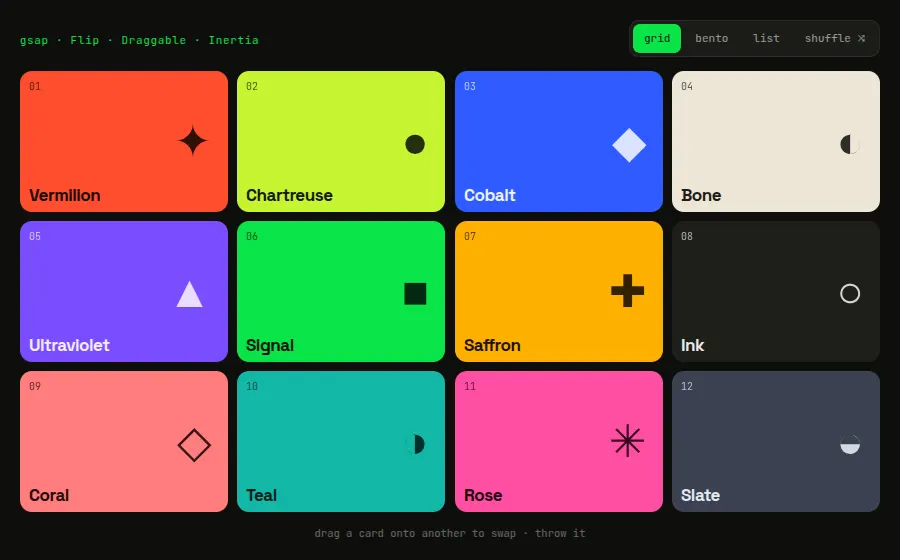
GSAPFlip layouts + inertia drag

Pro-grade JavaScript animation platform, now with every plugin free

Flip records element positions, lets you mutate the DOM however you like (swap classes, reorder children), then animates from the old layout to the new one, even between CSS grid templates. Draggable with InertiaPlugin adds momentum throws and edge resistance, so cards can be thrown, dropped on each other to swap, and spring back.

npm i gsap
gsap.registerPlugin(Flip, Draggable, InertiaPlugin);

const state = Flip.getState(cards());
board.className = 'board ' + layout;        // any DOM change
Flip.from(state, { duration: 0.75, ease: 'power3.inOut',
  stagger: 0.025, absolute: true, nested: true });

Draggable.create(cards(), {
  type: 'x,y', bounds: '#stage', inertia: true, edgeResistance: 0.8,
  onThrowComplete() { home(this.target); },
});
live democlick any dot · switch modes↗ full window
vanilla

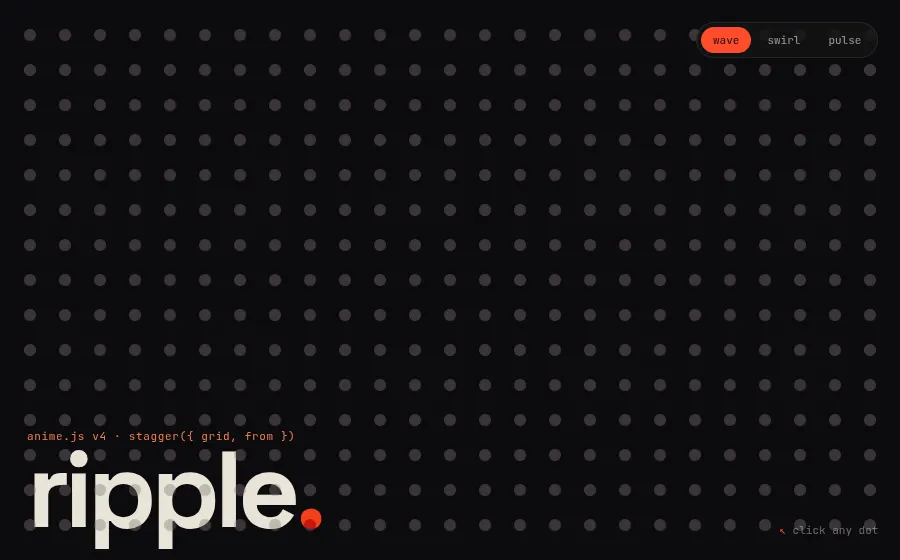
anime.jsGrid stagger ripples

Lightweight JavaScript animation engine for CSS, SVG and DOM

anime.js v4's stagger() understands 2D grids: give it the column/row count and an origin index and every property delay, offset and value radiates outward from that cell. Tween keyframes with per-step easings (outElastic, outBounce) and the built-in splitText make choreographed type and grid motion a few declarative objects.

npm i animejs
animate(dots, {
  translateX: [{ to: stagger('-0.9rem', { grid: [cols, rows], from, axis: 'x' }) },
               { to: 0, ease: 'outElastic(1, .5)' }],
  translateY: [{ to: stagger('-0.9rem', { grid: [cols, rows], from, axis: 'y' }) },
               { to: 0, ease: 'outElastic(1, .5)' }],
  scale: [{ to: [1, 0.25] }, { to: 1 }],
  backgroundColor: [{ to: '#ff4b2b' }, { to: '#ffb36b' }, { to: '#3a3438' }],
  delay: stagger(55, { grid: [cols, rows], from }),
});
live demodrag & throw · click to drop chips↗ full window
vanilla

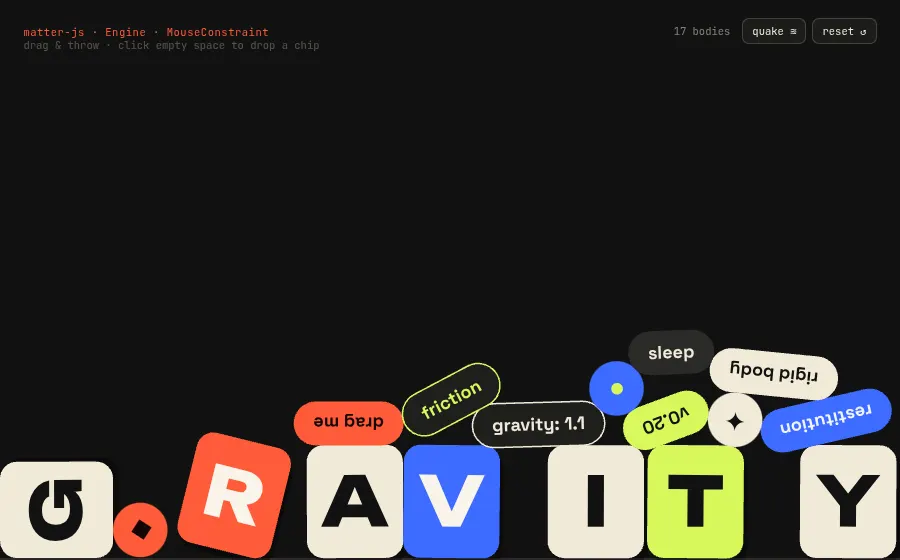
Matter.jsThrowable gravity type

2D rigid-body physics engine for the web

Matter.js handles collisions, friction, restitution, sleeping bodies and mouse constraints, and leaves rendering to you, so physics can look like type and UI instead of debug wireframes. Here every letter and pill is a chamfered rigid body drawn on a custom canvas renderer.

npm i matter-js
const engine = Engine.create({ enableSleeping: true });
const b = Bodies.rectangle(x, y, S * 0.92, S * 1.08, {
  chamfer: { radius: S * 0.16 }, restitution: 0.25, friction: 0.6,
});
Composite.add(engine.world, b);

const mouse = Mouse.create(canvas);
Composite.add(engine.world, MouseConstraint.create(engine, {
  mouse, constraint: { stiffness: 0.18, damping: 0.08 },
}));
Engine.update(engine, 1000 / 60);   // then draw bodies yourself
live demoscroll inside the frame↗ full window
vanilla

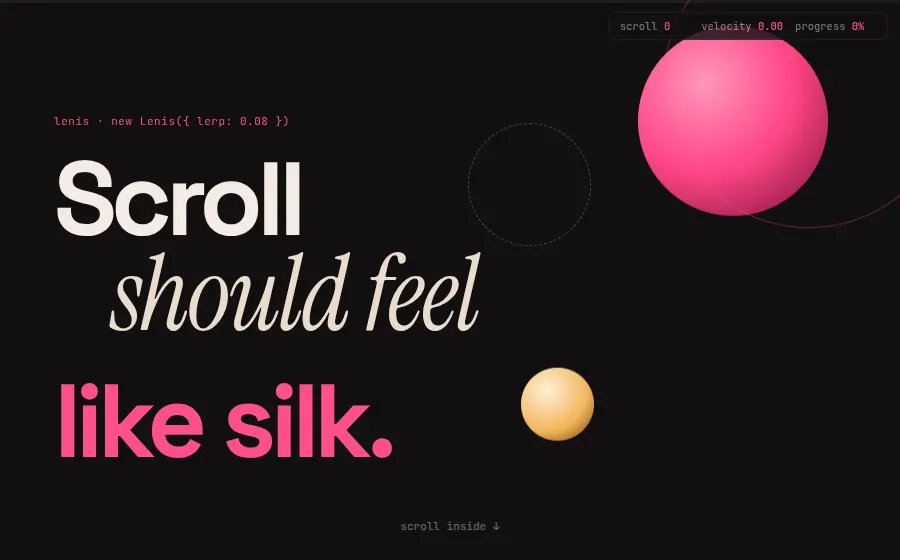
LenisSilk-smooth parallax scroll

Smooth scroll that keeps native scrolling semantics

Lenis interpolates the wheel/trackpad input while the page keeps its real scrollbar, position: sticky and anchor links. Its scroll event exposes eased scroll, velocity and progress every frame, enough to drive parallax layers, velocity-skewed marquees and progress bars from one listener.

npm i lenis
const lenis = new Lenis({ lerp: 0.08, autoRaf: true });

lenis.on('scroll', ({ scroll, velocity, progress }) => {
  const mid = scroll + innerHeight / 2;
  layers.forEach((el, i) => {
    el.style.transform = `translate3d(0, ${((mid - base[i]) * +el.dataset.speed).toFixed(1)}px, 0)`;
  });
  skew += (Math.max(-12, Math.min(12, velocity * 0.6)) - skew) * 0.2;
  bar.style.transform = `scaleX(${progress})`;
});

lenis.scrollTo(0, { duration: 2.2 });
live demomove the pointer anywhere↗ full window
vanilla

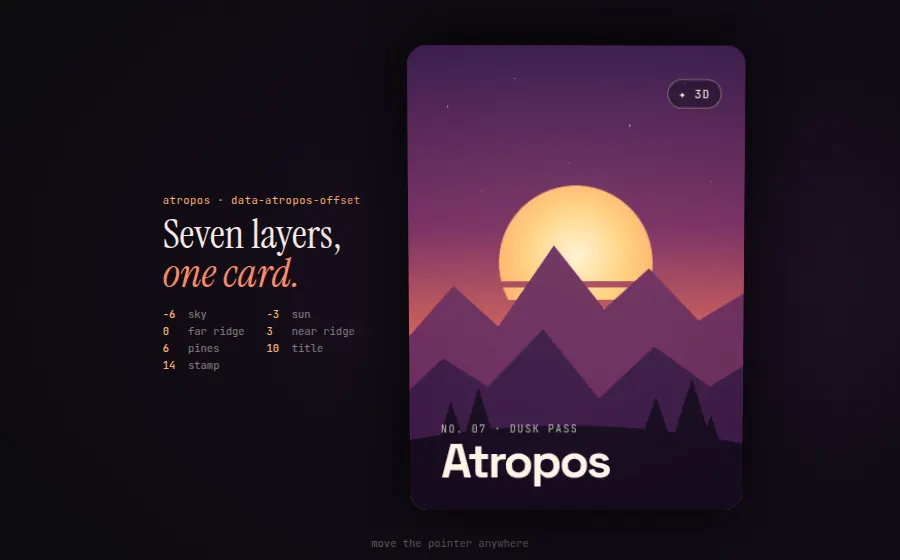
AtroposSeven-layer parallax card

Touch-friendly 3D parallax hover effects

Atropos tilts a card toward the pointer and shifts each child by its data-atropos-offset, so stacked layers read as real depth, with a moving highlight and a soft shadow. It is markup-driven (no canvas, no WebGL), so the scene stays plain HTML, SVG and CSS.

npm i atropos
<div class="atropos" id="card"><div class="atropos-scale"><div class="atropos-rotate">
  <div class="atropos-inner">
    <div class="layer sky" data-atropos-offset="-6"></div>
    <div class="layer sun" data-atropos-offset="-3"></div>
    <svg class="layer ridge" data-atropos-offset="3">…</svg>
    <div class="layer title" data-atropos-offset="10"><h2>Atropos</h2></div>
  </div>
</div></div></div>
<script type="module">
  Atropos({ el: card, eventsEl: stage, activeOffset: 40, rotateXMax: 16, highlight: true });
</script>
live democlick rows to boost · × to retire↗ full window
vanilla

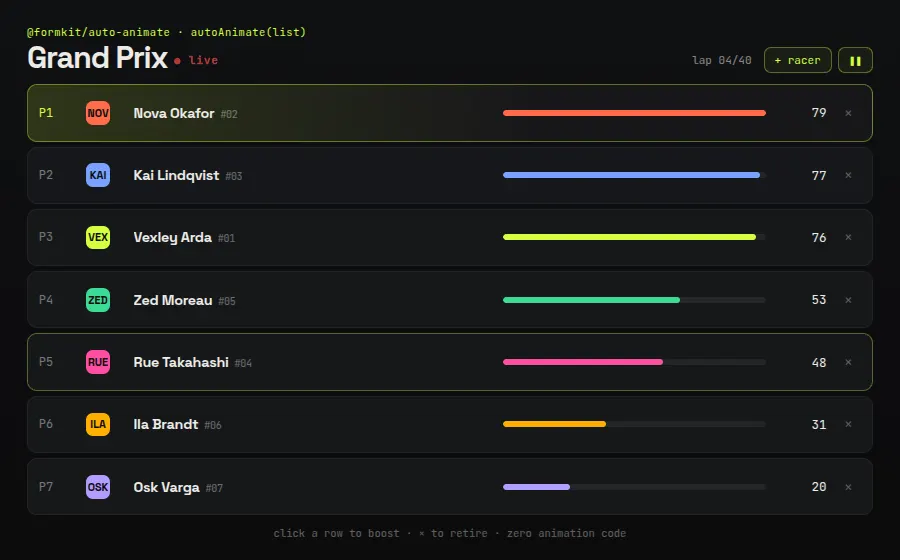
AutoAnimateSelf-animating live leaderboard

Zero-config, drop-in animations for list changes

One call on a parent element and every child insert, removal and reorder animates with a FLIP transition; there is no animation code anywhere else in this demo. It works with plain DOM or any framework (React, Vue, Svelte, Angular hooks), which makes it a cheap upgrade for lists, tables and menus.

npm i @formkit/auto-animate
import autoAnimate from '@formkit/auto-animate';

// the whole trick: one line
autoAnimate(board, { duration: 420, easing: 'cubic-bezier(.2,.8,.2,1)' });

// …then mutate the DOM normally — moves, inserts, removals all animate
racers.sort((a, b) => b.pts - a.pts);
racers.forEach((r, i) => {
  if (board.children[i] !== r.el) board.insertBefore(r.el, board.children[i] || null);
});
live democlick anywhere · pick a mode↗ full window
vanilla

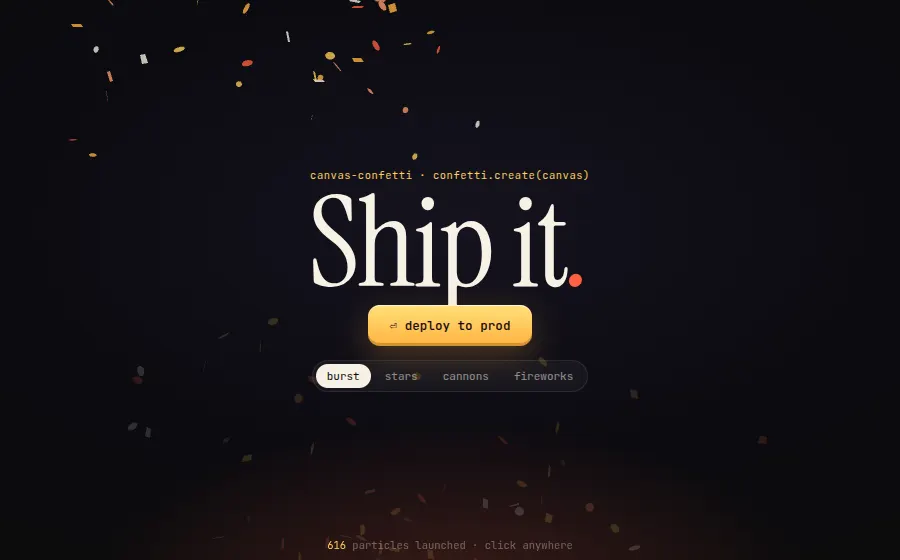
canvas-confettiLaunch-night confetti

Performant confetti animation in the browser

A single function call launches physically tumbling paper with spread, gravity, drift, decay and flat/3D flutter. Custom shapes come from SVG paths or text glyphs via shapeFromPath and shapeFromText, and confetti.create() binds it to your own canvas.

npm i canvas-confetti
const fire = confetti.create(canvas, { resize: true });
const star = confetti.shapeFromPath({
  path: 'M5 0 L6.4 3.6 L10 5 L6.4 6.4 L5 10 L3.6 6.4 L0 5 L3.6 3.6 Z' });
const spark = confetti.shapeFromText({ text: '✦', scalar: 2, color: '#ffcf5a' });

fire({ origin: { x, y }, spread: 360, gravity: 0, decay: 0.94,
  startVelocity: 26, particleCount: 36, scalar: 1.8, shapes: [star],
  colors: ['#ffcf5a', '#fff1c1', '#ffb23f'] });
live demotweak sliders · drag the phase pad↗ full window
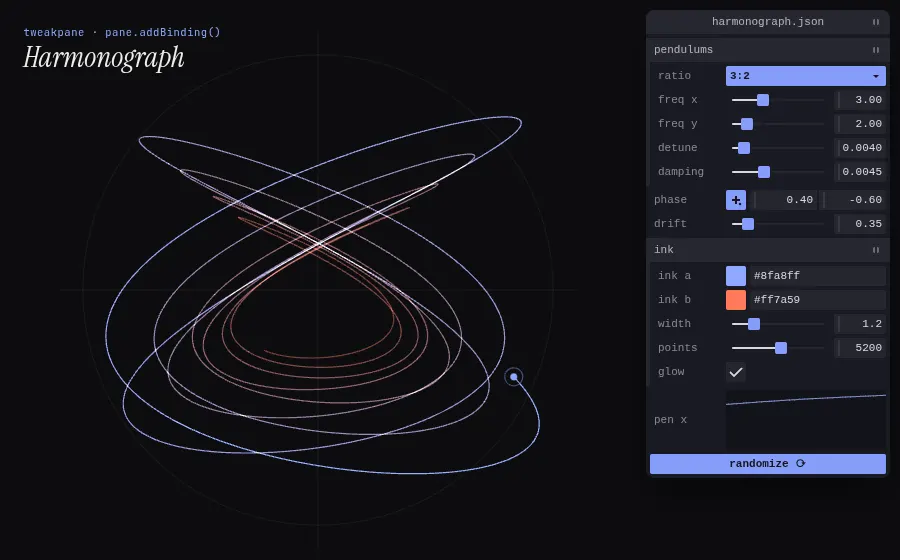
vanilla

TweakpanePane-driven harmonograph

Compact GUI for fine-tuning parameters and monitoring values

Tweakpane binds controls directly to a plain object: numbers become sliders, hex strings become color pickers, {x, y} becomes a 2D pad, and readonly bindings become live graphs. It is themed entirely through CSS custom properties, which makes it a good-looking default for creative-coding and debug panels.

npm i tweakpane
const pane = new Pane({ container, title: 'harmonograph.json' });
const f = pane.addFolder({ title: 'pendulums' });
f.addBinding(P, 'fx', { min: 1, max: 7, step: 0.01, label: 'freq x' });
f.addBinding(P, 'damping', { min: 0.0005, max: 0.012, step: 0.0001 });
pane.addBinding(P, 'phase', { x: { min: -3.14, max: 3.14 }, y: { min: -3.14, max: 3.14, inverted: true }, picker: 'popup' });
pane.addBinding(P, 'inkA', { label: 'ink a' });          // '#8fa8ff' → color picker
pane.addBinding(P, 'energy', { readonly: true, view: 'graph', min: -1, max: 1 });
pane.addButton({ title: 'randomize ⟳' }).on('click', randomize);
09

⚙Tactile & odd widgets

8 demos

Split-flap boards, synth knobs, mechanical counters, natural-media brushes. Components people remember after they leave the page.

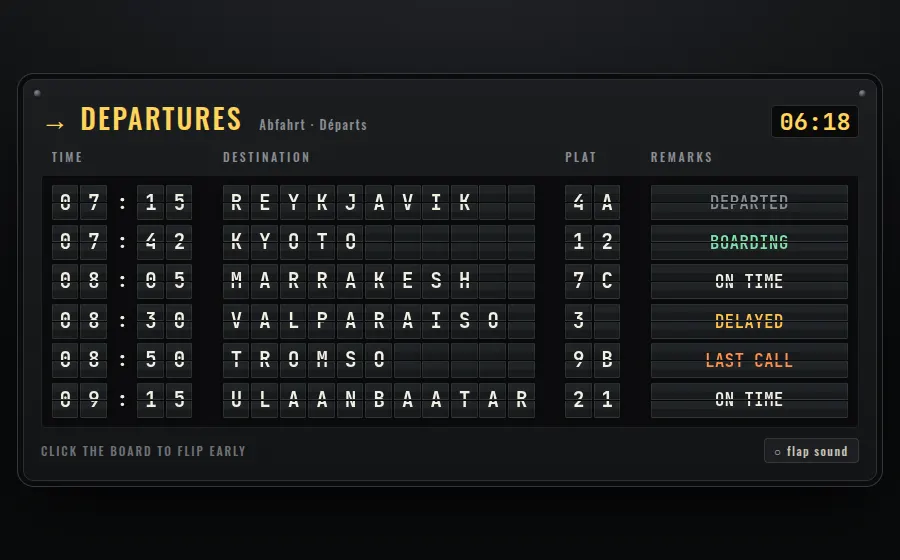
live demowatch it flip · click to advance↗ full window
web components

split-flap-elementsSolari departures board

Accessible split-flap displays as dependency-free Web Components

Each <sfe-cell> is a real mechanical reel: it steps through adjacent values with a top/bottom flap animation instead of cross-fading, and the board coordinates settle order and stagger across cells. Reels can hold whole words, so a remarks column flips between 'BOARDING' and 'DELAYED' like a real Solari board.

npm i split-flap-elements
import 'split-flap-elements';

const c = document.createElement('sfe-cell');
c.setAttribute('name', `r${r}s`);
c.reel = [' ', 'ON TIME', 'BOARDING', 'DELAYED', 'LAST CALL'];
board.append(c);

board.sequence = trips.map((t) => ({
  values: frameFor(t), hold: 3600, settleOrder: 'forward', stagger: 28,
}));
board.play();
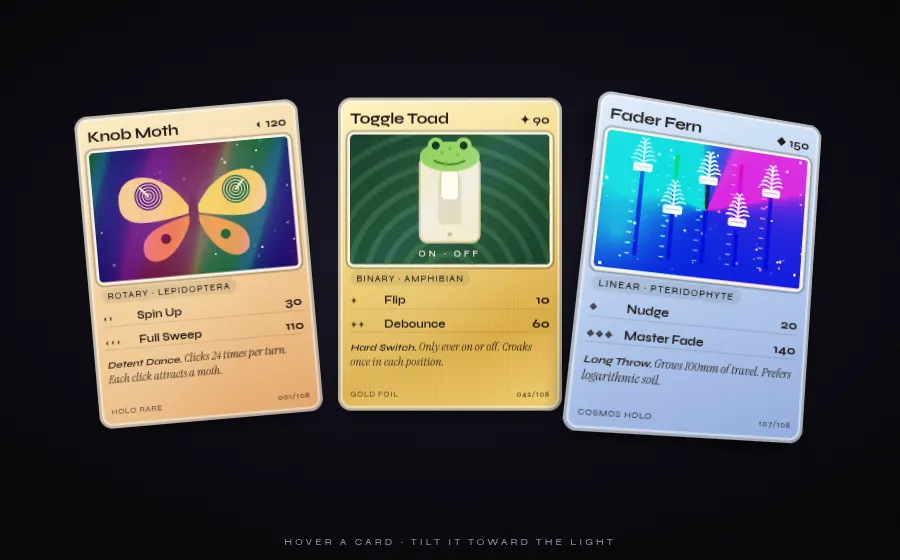
live demohover a card to tilt the foil↗ full window
web components

Hover TiltHolographic foil trading cards

Spring-physics tilt and glare component for Svelte and Web Components

Hover Tilt springs an element toward the pointer and paints a moving glare layer, then exposes its live pointer state as CSS variables (--hover-tilt-x, -y, -opacity). That lets plain CSS drive rainbow foil, gold leaf and conic 'cosmos' holo effects inside the card with no extra JavaScript.

npm i hover-tilt
<hover-tilt tilt-factor="1.5" scale-factor="1.06" shadow
            glare-intensity="1.6" glare-hue="200">
  <article class="card">…<div class="foil"></div></article>
</hover-tilt>

/* the component's live pointer vars inherit into slotted content */
.foil {
  opacity: calc(0.32 + var(--hover-tilt-opacity, 0) * 0.6);
  background-position: calc(var(--hover-tilt-x, .5) * 100%)
                       calc(var(--hover-tilt-y, .5) * 100%);
}
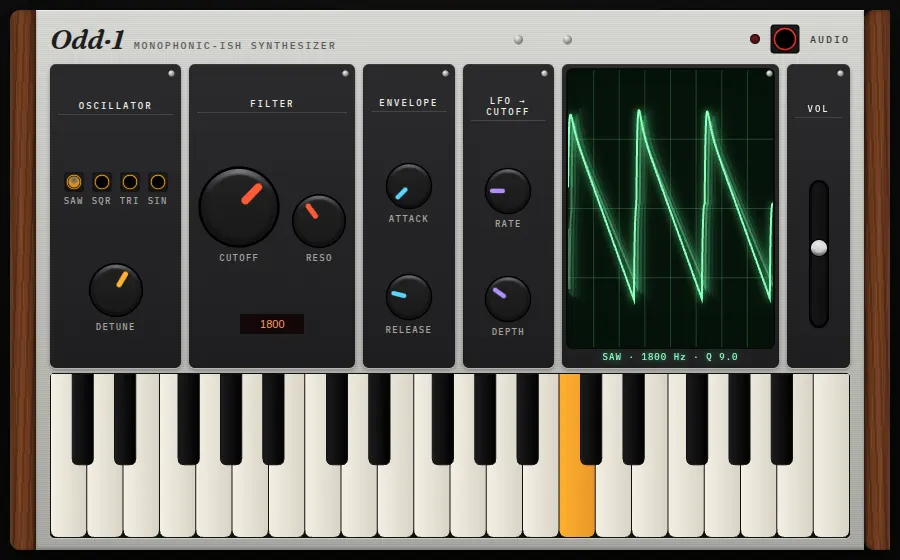
live demoturn knobs · play keys (click for sound)↗ full window
web components

webaudio-controlsSkeuomorphic hardware synth

Knob, slider, switch and keyboard Web Components for audio UIs

g200kg's controls render hardware-style knobs, faders, switches and a playable keyboard as custom elements, styled entirely through a colors attribute or knob sprite strips. They behave like real gear: drag or scroll to turn, and MIDI-learn is built in, so a WebAudio synth panel takes markup rather than a canvas engine.

npm i github:g200kg/webaudio-controls
<webaudio-knob id="cutoff" min="80" max="8000" value="1800" log="1"
  colors="#ff5a36;#202022;#8a8a90"></webaudio-knob>
<webaudio-slider id="vol" direction="vert" min="0" max="1" step="0.01"></webaudio-slider>
<webaudio-keyboard id="kbd" keys="37" min="48"></webaudio-keyboard>

$('cutoff').addEventListener('input', applyParams);
kbd.addEventListener('change', (e) => {
  if (e.note[0]) noteOn(e.note[1]); else noteOff(e.note[1]);
});
live demomove the mouse · hover the index↗ full window
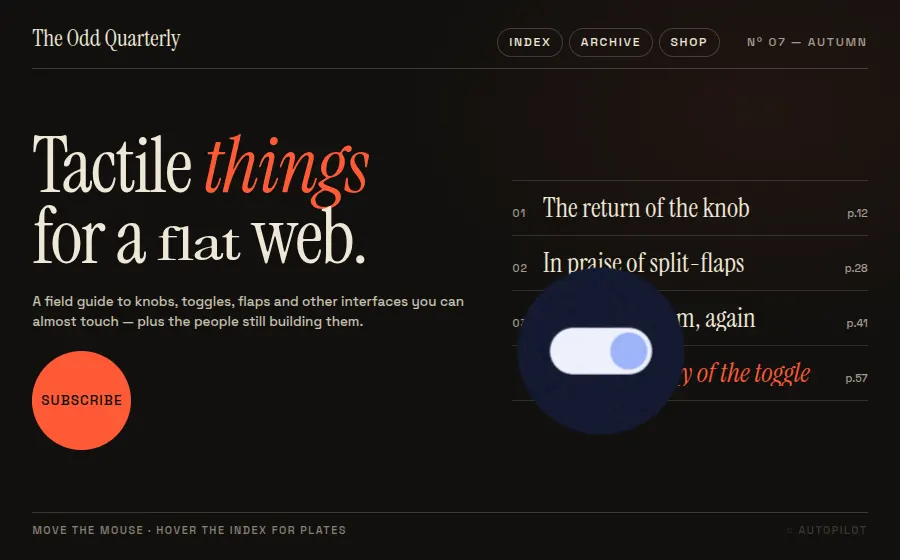
vanilla

Cuberto Mouse FollowerEditorial magnetic cursor

GSAP-powered custom cursor with text, image and sticky states

Cuberto's follower replaces the pointer with an eased, velocity-skewed blob that changes state from plain data attributes: data-cursor-text grows it into a label, data-cursor-img turns it into a circular image plate, and data-cursor-stick makes it snap magnetically to buttons. The agency-portfolio cursor without writing hover handlers.

npm i mouse-follower gsap
import MouseFollower from 'mouse-follower';
import gsap from 'gsap';

MouseFollower.registerGSAP(gsap);
const cursor = new MouseFollower({ speed: 0.55, skewing: 3, stickDelta: 0.18 });

<!-- states come straight from markup -->
<span data-cursor-text="feel">Tactile</span>
<em data-cursor="-exclusion">things</em>
<a class="sub" data-cursor-stick data-cursor-text="↗">Subscribe</a>
<li data-cursor-img="plate.jpg">The return of the knob</li>
live democlick a panel to spin it↗ full window
vanilla

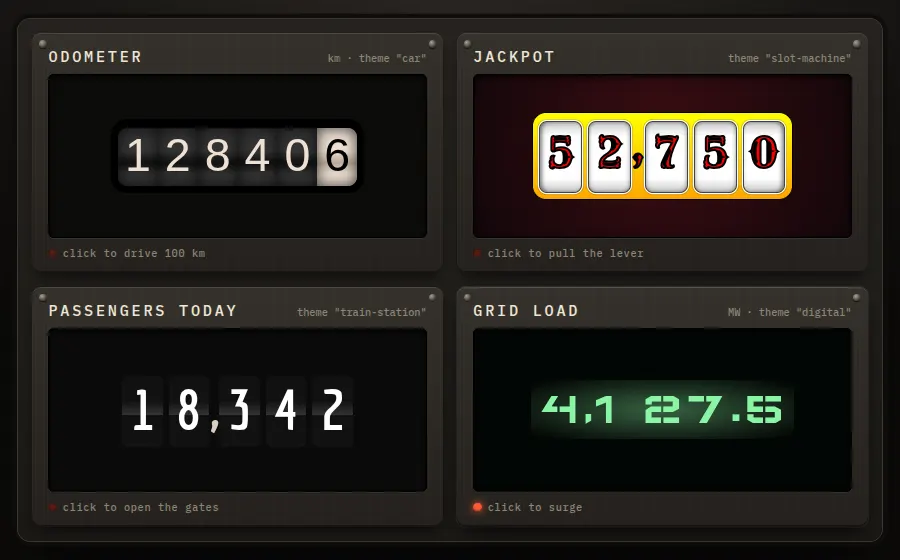
OdometerFour themed rolling counters

HubSpot's rolling-digit number transitions in pure CSS themes

Odometer animates a number change by spinning each digit on its own ribbon, so 128,406 to 128,506 rolls like a mechanical counter instead of swapping text. Its themes (car, slot machine, train station, digital) are plain CSS, and update() is all the API you need.

npm i odometer
import Odometer from 'odometer';
import 'odometer/themes/odometer-theme-car.css';

const od = new Odometer({
  el: document.getElementById('car'),
  value: 128406, theme: 'car', format: 'd', duration: 1600,
});
unit.addEventListener('click', () => od.update((value += 100)));
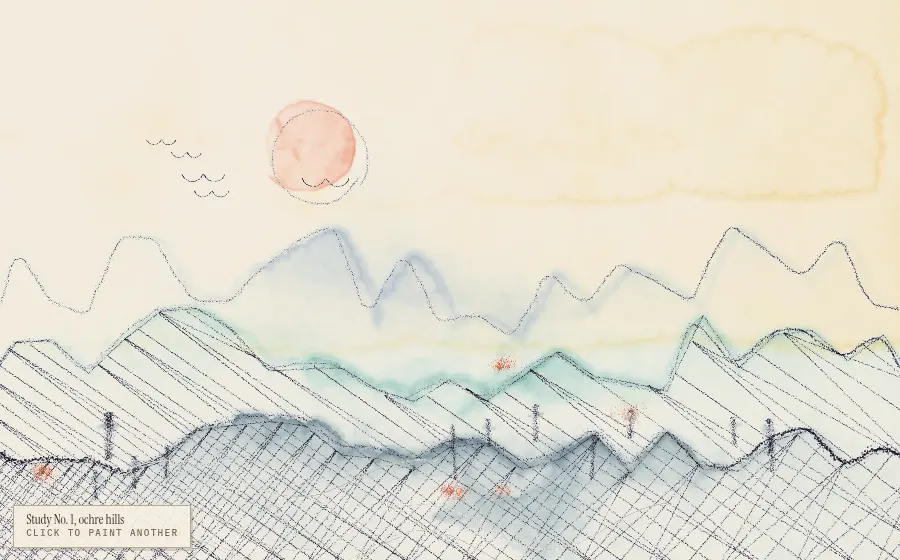
live democlick to paint another↗ full window
vanilla

p5.brushGenerative watercolor landscape

Natural-media brushes, hatching and watercolor fills for canvas

p5.brush simulates real media: pencils and pens with pressure and texture, vector-field-bent strokes, hatching, and watercolor fills that bleed, pool and granulate at their edges. Its standalone build runs on a plain canvas, so generative art gets a hand-made quality without shaders of your own.

npm i p5.brush
import * as brush from 'p5.brush/standalone';

brush.createCanvas(W, H, { parent: stage, pixelDensity: dpr });
brush.fill(p.sun, 120); brush.fillBleed(0.15, 'out'); brush.fillTexture(0.4, 0.8);
brush.circle(sunX, sunY, sunR, 0.6);

brush.set('HB', p.ink, 0.5);
brush.hatch(6, -35, { rand: 0.15, continuous: true, gradient: 0.35 });
brush.polygon(ridge);
brush.field('waves');
brush.flowLine(x, y, len, 0);
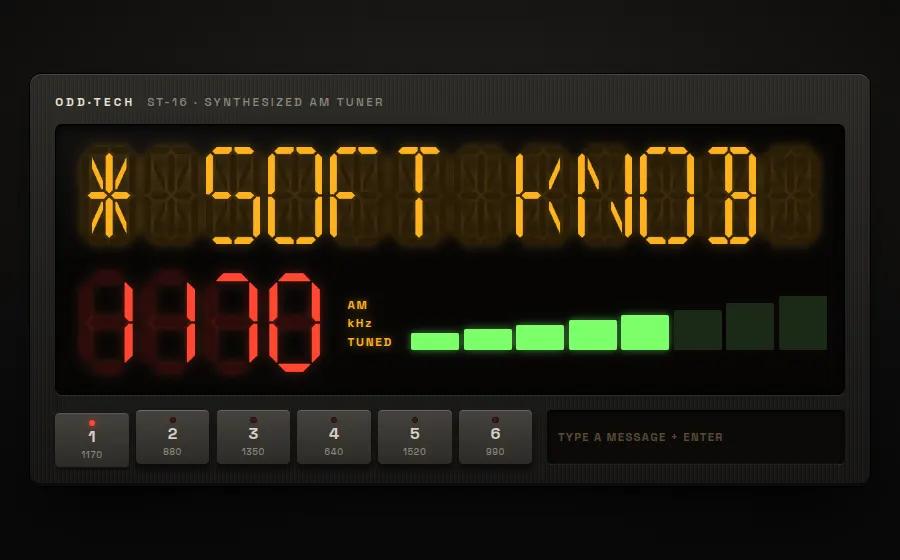
live demopress presets · type a message↗ full window
web components

segment-displayLED AM tuner faceplate

Canvas sixteen- and seven-segment LED displays as a Web Component

<segment-display> draws beveled seven- or sixteen-segment LED glyphs on a canvas, with unlit segments still faintly visible, and scrolls text longer than the display like a marquee. Fill colors, segment width, bevel and spacing are all properties, so one element can pass for an amber VFD or a red clock.

npm i segment-display
import 'segment-display/dist/bundle.min.js';

<segment-display id="marquee" type="sixteen"></segment-display>
<segment-display id="freq" type="seven"></segment-display>

Object.assign(marquee.segment, {
  FillLight: '#ffb21e', FillDark: '#2b1d07', SegmentWidth: 0.13, BevelWidth: 0.6,
});
marquee.setAttribute('text', 'KODD * SOFT KNOB ROCK'); // long text auto-scrolls
freq.setAttribute('text', '1170');
live demotype a name · switch style & palette↗ full window
react

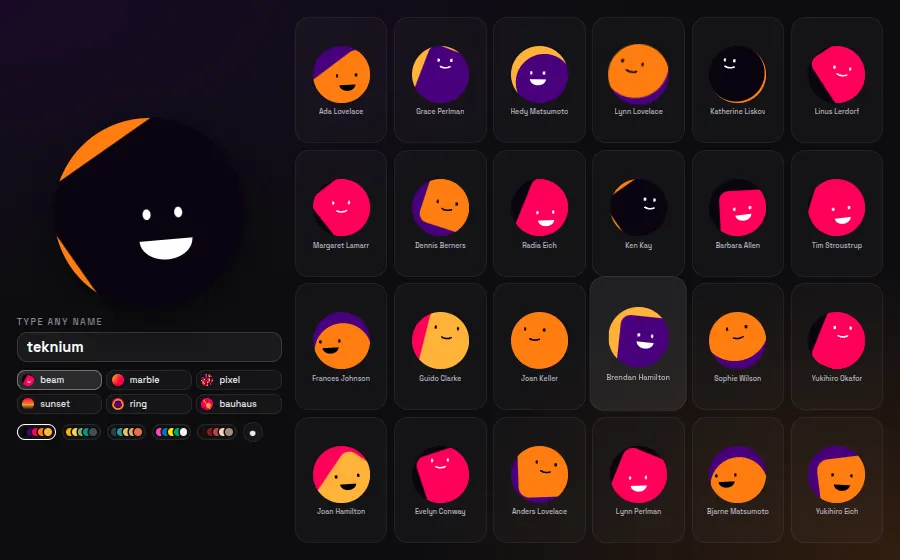
Boring AvatarsGenerative avatar wall

Deterministic SVG avatars generated from any name string

Boring Avatars hashes a name into one of six geometric SVG styles (beam, marble, pixel, sunset, ring, bauhaus) drawn from your five-color palette. Output is deterministic inline SVG, so a user list gets a consistent, on-brand look instead of grey silhouettes.

npm i boring-avatars
import Avatar from 'boring-avatars';

<Avatar name={name} variant={variant} colors={colors} size="100%" square={square} title />

{people.map((n, i) => (
  <button className="tile" key={i} onClick={() => setName(n)}>
    <Avatar name={n} variant={variant} colors={colors} size="100%" />
  </button>
))}
10

⚛React component registries

9 demos

Copy-in component collections in the shadcn mold, plus the small React primitives everyone ends up using.

live demomove to ripple · switch mode & palette↗ full window
react

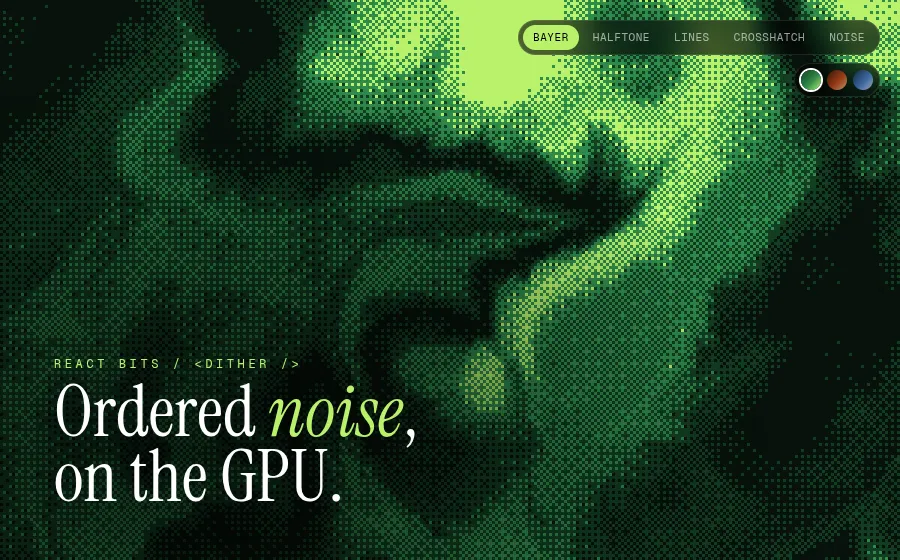
React BitsDithered GPU wave field

Animated, interactive React components you install as source

React Bits ships its effects as editable source files through the shadcn CLI, each in JS/TS and CSS/Tailwind variants. Dither is a dependency-free WebGL2 shader: ordered Bayer, halftone, line and crosshatch screens over a flowing noise field, with cursor ripples and custom palettes.

npx shadcn@latest add @react-bits/Dither-TS-TW
<Dither
  ditherMode={mode}            // 'bayer' | 'halftone' | 'lines' | 'crosshatch' | 'noise'
  palette={["#07120b", "#123d22", "#2f8a4a", "#b9f26b"]}
  waveSpeed={0.04}
  waveFrequency={2.6}
  pixelSize={3}
  mouseEffect="ripple"
  clickRipple
/>
live demohover text & buttons · click anywhere↗ full window
react

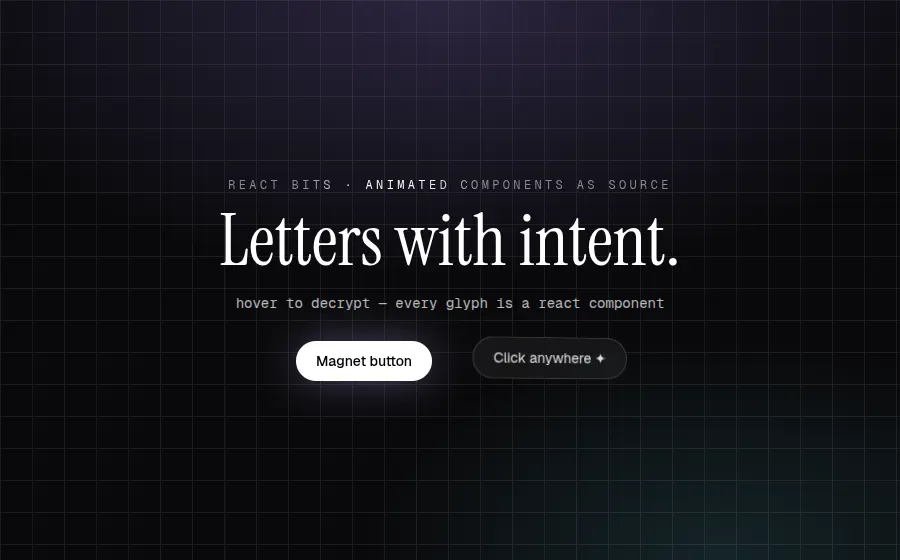
React BitsSplit, shine, decrypt, spark

Text animations and micro-interactions as copy-in components

The text side of React Bits: GSAP-driven SplitText, a pointer-aware ShinyText sweep, DecryptedText that scrambles glyphs under the cursor, Magnet buttons with tilt, and ClickSpark bursts on a canvas layer. Each is one file you own and tune via props.

npx shadcn@latest add @react-bits/SplitText-TS-TW @react-bits/ShinyText-TS-TW @react-bits/Magnet-TS-TW @react-bits/ClickSpark-TS-TW @react-bits/DecryptedText-TS-TW
<ClickSpark sparkColor={["#f5d0fe", "#a78bfa", "#67e8f9"]} shape="star" ring>
  <SplitText text="Letters with intent." tag="h1" splitType="chars"
    effect="rise" trigger="load" loop hoverEffect="wave" />
  <DecryptedText text="hover to decrypt" animateOn="inViewHover" sequential />
  <Magnet padding={70} magnetStrength={3} tilt={8}>
    <button>Magnet button</button>
  </Magnet>
</ClickSpark>
live democlick the panel to re-fire beams↗ full window
react

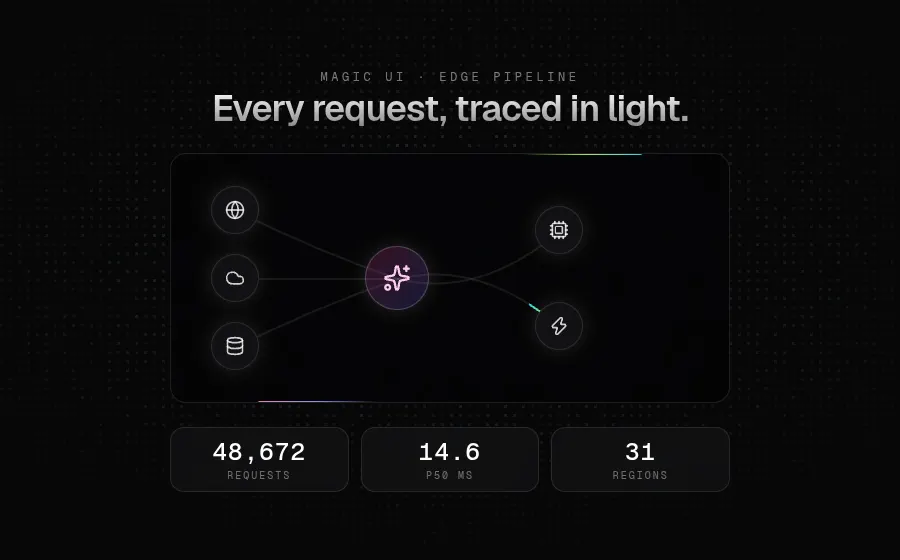
Magic UIAnimated beam pipeline

Animated landing-page components for shadcn/ui and Motion

Magic UI is a free shadcn registry of 150+ motion components aimed at marketing pages. AnimatedBeam draws gradient SVG paths between any two refs and recomputes them on resize; BorderBeam, NumberTicker and FlickeringGrid add the light-trail, spring-counter and canvas-noise layers.

npx shadcn@latest add @magicui/animated-beam @magicui/border-beam @magicui/number-ticker @magicui/flickering-grid
<AnimatedBeam containerRef={container} fromRef={a} toRef={hub}
  curvature={-40} gradientStartColor="#f472b6" gradientStopColor="#818cf8" />
<AnimatedBeam containerRef={container} fromRef={hub} toRef={out2} reverse delay={1.6} />
<BorderBeam size={120} duration={7} colorFrom="#f472b6" colorTo="#818cf8" />
<NumberTicker value={stats.req} />
<FlickeringGrid squareSize={3} gridGap={6} color="#a5b4fc" maxOpacity={0.22} />
live demohover the card to tilt↗ full window
react

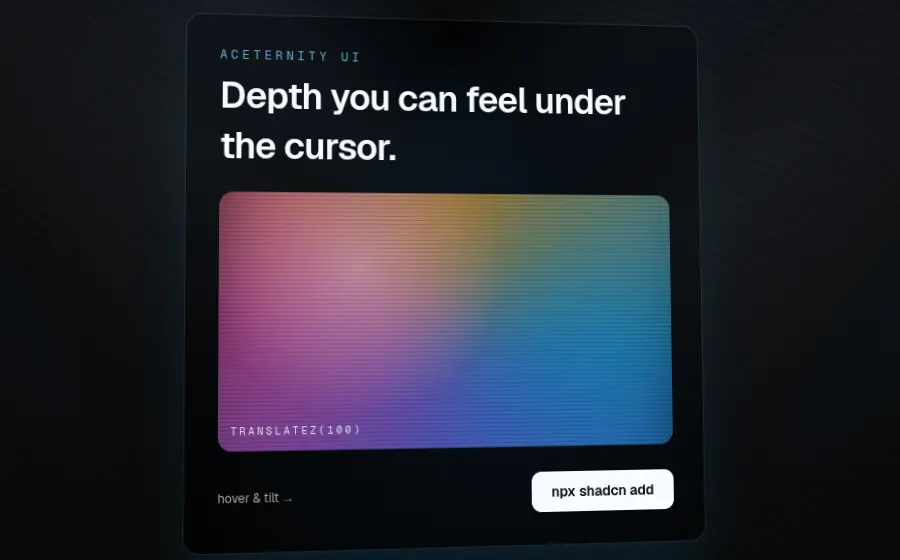
Aceternity UITilting 3D card

Copy-paste Tailwind + Motion effects for landing pages

Aceternity UI collects theatrical effects for hero sections: cards with real CSS 3D depth, SVG beam backgrounds, spotlights, word-by-word blur reveals. In CardContainer each CardItem gets its own translateZ, so layers separate in perspective as the cursor tilts the card.

npx shadcn@latest add @aceternity/3d-card @aceternity/background-beams @aceternity/spotlight-new @aceternity/text-generate-effect
<Spotlight />
<BackgroundBeams />
<CardContainer>
  <CardBody className="rounded-2xl border bg-black/70 p-6">
    <CardItem translateZ={60}>
      <TextGenerateEffect words="Depth you can feel under the cursor." />
    </CardItem>
    <CardItem translateZ={100} rotateX={8}><Art /></CardItem>
    <CardItem translateZ={50} as="button">npx shadcn add</CardItem>
  </CardBody>
</CardContainer>
live demomove the cursor · click − / +↗ full window
react

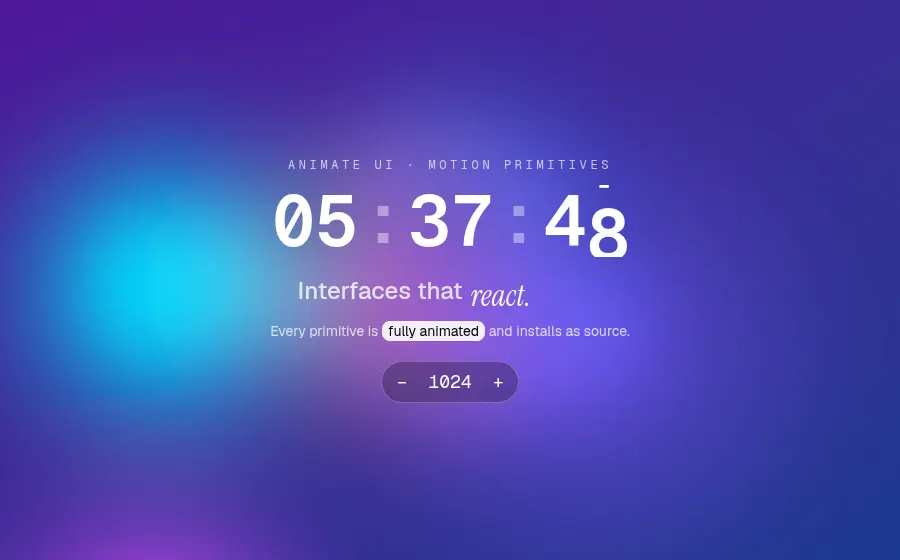
Animate UIBubble field & rolling digits

Fully animated React primitives and components distribution

Animate UI is a shadcn-style distribution where every primitive animates: backgrounds, text, buttons, Radix wrappers. Here the gooey BubbleBackground follows the cursor while SlidingNumber rolls each digit of a live clock, RotatingText cycles words and HighlightText sweeps a marker.

npx shadcn@latest add @animate-ui/components-backgrounds-bubble @animate-ui/primitives-texts-sliding-number @animate-ui/primitives-texts-rotating @animate-ui/primitives-texts-highlight
<BubbleBackground interactive colors={{ first: "18,113,255", second: "221,74,255", /* … */ }}>
  <SlidingNumber number={Math.floor(now.getSeconds() / 10)} />
  <SlidingNumber number={now.getSeconds() % 10} />
  <RotatingTextContainer text={["breathe.", "slide.", "morph.", "react."]} duration={1800}>
    <RotatingText />
  </RotatingTextContainer>
  <HighlightText text="fully animated" delay={600} />
</BubbleBackground>
live democlick a card to morph↗ full window
react

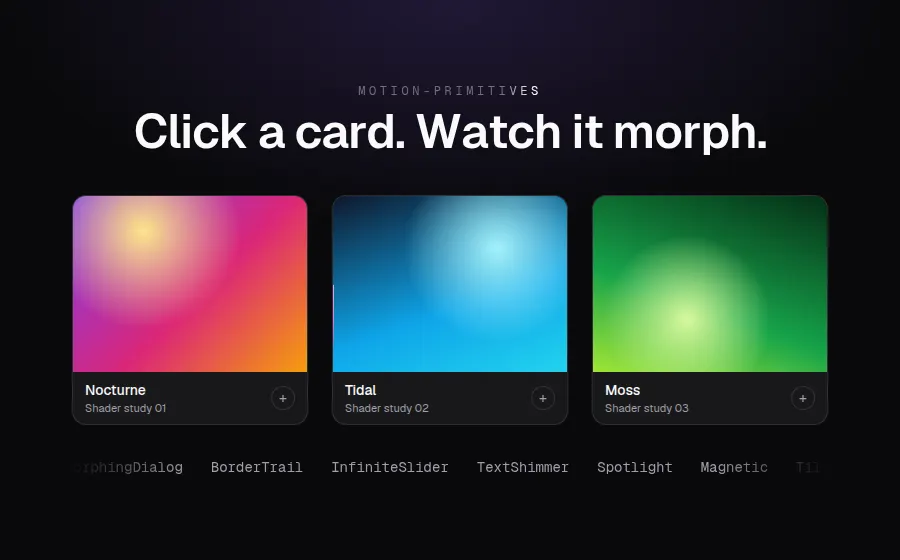
Motion PrimitivesCard-to-dialog morph

UI kit of motion components for React, built on Motion

Motion Primitives packages Motion layout animations into drop-in parts. MorphingDialog shares layout IDs between a card and its dialog, so the image, title and container travel as one shape instead of cross-fading. TextEffect, TextShimmer, BorderTrail and InfiniteSlider cover the text and ambient motion.

npx shadcn@latest add @motion-primitives/morphing-dialog @motion-primitives/text-effect @motion-primitives/text-shimmer @motion-primitives/border-trail @motion-primitives/infinite-slider
<MorphingDialog transition={{ type: "spring", bounce: 0.05, duration: 0.35 }}>
  <MorphingDialogTrigger className="rounded-[14px] border bg-zinc-900">
    <MorphingDialogTitle>{it.title}</MorphingDialogTitle>
  </MorphingDialogTrigger>
  <MorphingDialogContainer>
    <MorphingDialogContent className="rounded-[22px] bg-zinc-900">
      <MorphingDialogTitle>{it.title}</MorphingDialogTitle>
      <MorphingDialogClose />
    </MorphingDialogContent>
  </MorphingDialogContainer>
</MorphingDialog>
live democlick buttons · hover the stack↗ full window
react

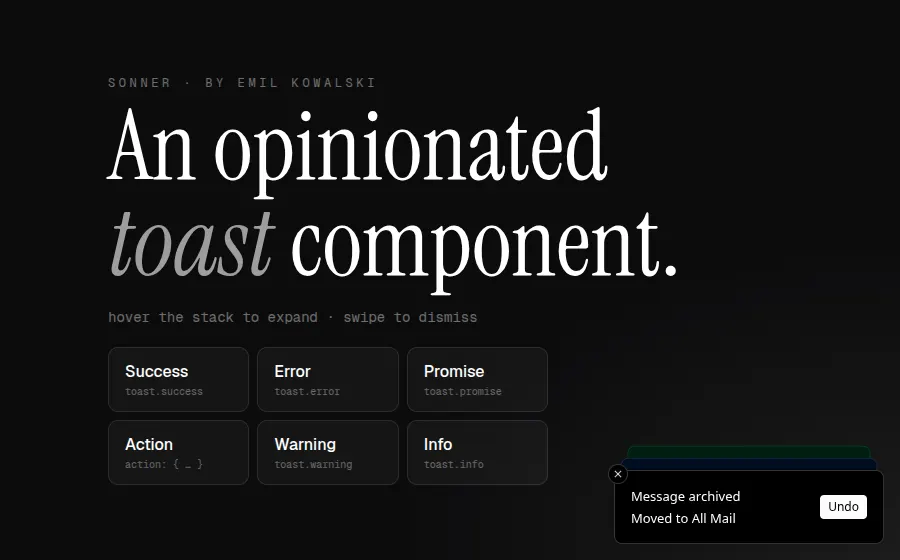
SonnerStacked toast notifications

An opinionated toast component for React

Sonner's stack is the reference toast design: notifications pile up as cards with depth, fan out on hover and dismiss on swipe. One <Toaster /> and a global toast() function cover success, error, promise lifecycles, actions and rich colours, with no provider or context setup.

npm i sonner
toast.promise(wait(1800), {
  loading: "Uploading 24 assets…",
  success: "Assets uploaded",
  error: "Upload failed",
});
toast("Message archived", {
  description: "Moved to All Mail",
  action: { label: "Undo", onClick: () => toast.info("Restored to Inbox") },
});
<Toaster theme="dark" richColors position="bottom-right" closeButton />
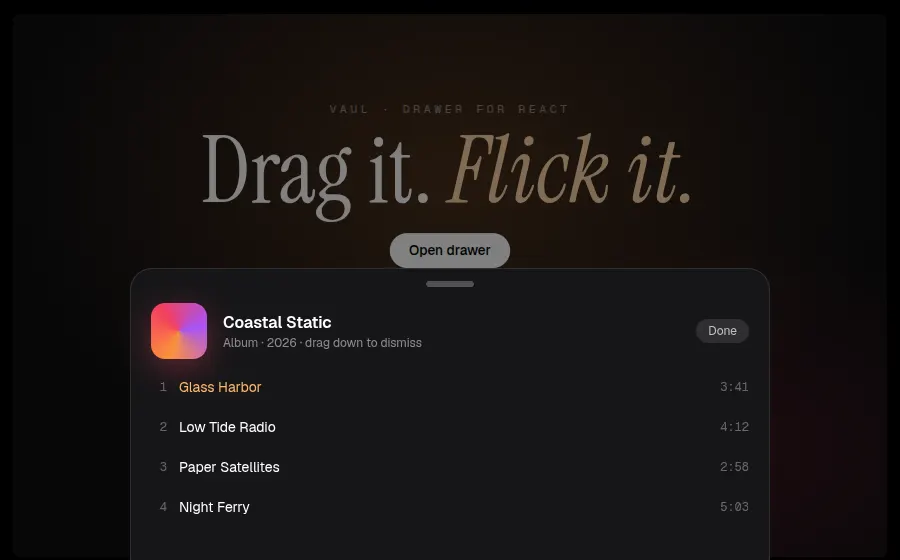
live demodrag the sheet down · reopen↗ full window
react

VaulDraggable bottom sheet

Unstyled, draggable drawer component for React

Vaul brings the iOS sheet to the web: drag or flick to dismiss with velocity-aware physics, and shouldScaleBackground shrinks the page behind it into a rounded card. It is built on Radix Dialog, so focus trapping and accessibility come built in, and it ships no styles of its own.

npm i vaul
<Drawer.Root open={open} onOpenChange={setOpen} shouldScaleBackground>
  <Drawer.Portal>
    <Drawer.Overlay className="fixed inset-0 bg-black/50" />
    <Drawer.Content className="fixed inset-x-0 bottom-0 rounded-t-[22px] bg-[#161618]">
      <div className="mx-auto mt-3 h-1.5 w-12 rounded-full bg-white/25" />
      <Drawer.Title>Coastal Static</Drawer.Title>
      {/* track list */}
    </Drawer.Content>
  </Drawer.Portal>
</Drawer.Root>
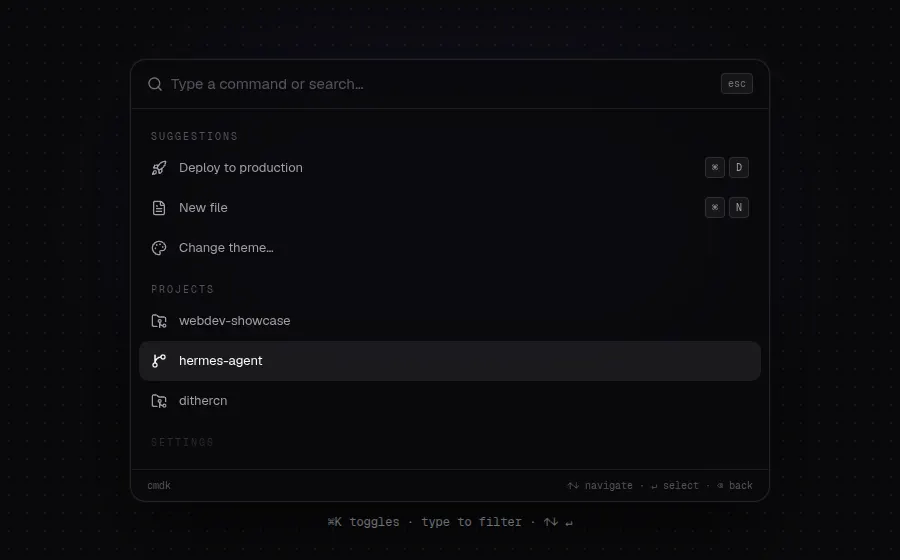
live demotype to filter · ↑↓ ↵ · ⌘K↗ full window
react

cmdk⌘K command palette

Fast, unstyled, composable command menu for React

cmdk is the headless engine under shadcn/ui's Command and many ⌘K menus. It handles filtering, ranking, keyboard navigation and grouping, and exposes plain data attributes for styling. Nested pages are just conditional children.

npm i cmdk
<Command label="Command menu" loop>
  <Command.Input value={search} onValueChange={setSearch} placeholder="Type a command or search…" />
  <Command.List>
    <Command.Empty>No results.</Command.Empty>
    <Command.Group heading="Suggestions">
      <Command.Item keywords={["ship", "release"]} onSelect={run("Deploy")}>Deploy to production</Command.Item>
      <Command.Item onSelect={() => setPages((p) => [...p, "Theme"])}>Change theme…</Command.Item>
    </Command.Group>
  </Command.List>
</Command>
12

⌁Creative coding & sound

8 demos

Sketchbooks, live-coded video synths and music patterns, terminals, tiny game engines and draggable math.

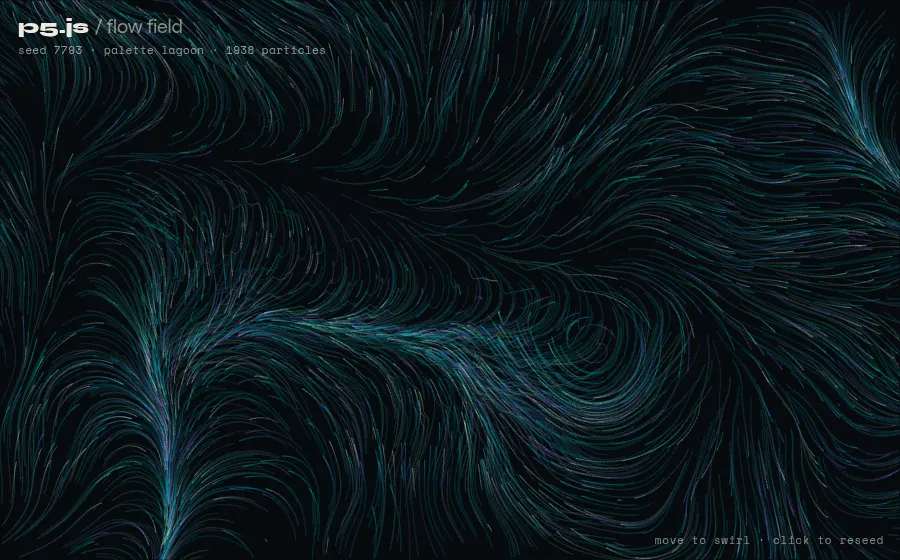
live demomove to swirl · click to reseed↗ full window
vanilla

p5.jsNoise flow field

Processing's creative-coding sketchbook, reborn for the browser

p5.js keeps Processing's setup()/draw() mental model: immediate-mode drawing, built-in Perlin noise and an event loop you never have to wire up. Thousands of particles riding a noise field with additive trails take about sixty lines in instance mode, so it slots into any bundle without globals.

npm i p5
new p5((p) => {
  p.draw = () => {
    p.fill(...pal.bg, 14); p.rect(0, 0, p.width, p.height);
    for (const q of parts) {
      const a = p.noise(q.x * sc, q.y * sc, zoff) * p.TWO_PI * 2.5;
      q.x += Math.cos(a) * 1.6; q.y += Math.sin(a) * 1.6;
      p.stroke(q.c); p.line(q.px, q.py, q.x, q.y);
    }
  };
  p.mousePressed = () => reseed();
}, document.getElementById('stage'));
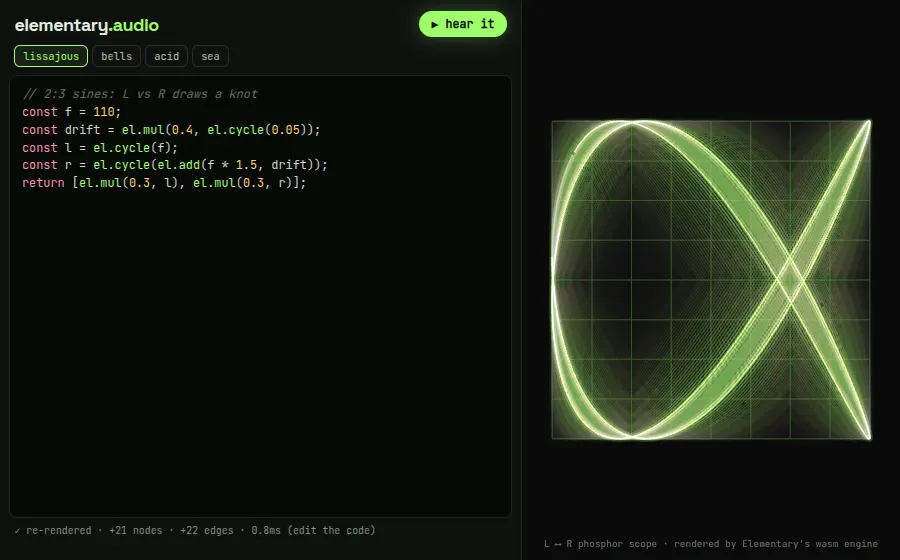
live demoedit code · pick presets · hear it↗ full window
vanilla

Elementary AudioLive-coded phosphor scope

Declarative, functional audio DSP: describe the graph, it diffs it

Elementary treats sound like React treats UI: you return a tree of el.* nodes and the wasm engine reconciles it against what is already playing, so edits re-render without clicks or restarts. Here the same patch drives a realtime AudioWorklet and an offline renderer that paints the L/R XY scope before you ever press play.

npm i @elemaudio/core @elemaudio/web-renderer @elemaudio/offline-renderer
const clock = el.train(7);
const hz = el.seq({ seq: notes, loop: true }, clock, 0);
const env = el.adsr(0.004, 0.14, 0.15, 0.1, clock);
const cut = el.add(180, el.mul(2600, env));
const l = el.lowpass(cut, 7, el.blepsaw(hz));

// on every edit: re-evaluate, then reconcile both engines
const [l, r] = new Function('el', codeEl.value)(el);
await offline.render(l, r);           // drives the scope
if (live) await live.render(l, r);    // WebRenderer → AudioWorklet
live democlick pads · start audio · remix↗ full window
vanilla

Tone.jsFM step sequencer

A Web Audio framework with synths, effects and a musical transport

Tone.js wraps raw Web Audio in musician vocabulary: '16n' note values, a sample-accurate Transport, PolySynths, reverbs and feedback delays you chain like pedals. Tone.getDraw() syncs DOM updates to scheduled audio time, which is why the playhead never drifts from the beat.

npm i tone
synth = new Tone.PolySynth(Tone.FMSynth, { harmonicity: 2, modulationIndex: 6 }).connect(delay);
kik = new Tone.MembraneSynth({ pitchDecay: 0.04, octaves: 6 }).connect(master);

transport.scheduleRepeat((time) => {
  const s = step % 16;
  for (let r = 0; r < ROWS.length; r++) if (state[r][s]) trigger(r, time);
  Tone.getDraw().schedule(() => setHead(s), time);
  step++;
}, '16n');
live demotype help · try matrix or donut↗ full window
vanilla

xterm.jsA shell in your tab

The terminal emulator inside VS Code, rendered in the browser

xterm.js is a full VT emulator: true-color ANSI, cursor addressing, the alternate screen buffer and correct Unicode widths, fast enough for full-screen TUIs. Pipe it to a WebSocket for a real shell, or, as here, a fifty-line fake shell running neofetch, matrix rain and a spinning ASCII donut.

npm i @xterm/xterm @xterm/addon-fit
const term = new Terminal({ fontFamily: '"JetBrains Mono", monospace', cursorStyle: 'bar',
  allowTransparency: true, theme: { background: '#00000000', green: '#5ef0b6' } });
term.loadAddon(fit);
term.open(document.getElementById('term'));
fit.fit();

// matrix: alternate screen buffer + cursor addressing + 24-bit color
term.write(`${E}?1049h${E}?25l${E}2J`);
s += `${E}${y + 1};${x + 1}H${rgb(220, 255, 230)}${B}${glyph()}${R}`;
live democlick or space to jump↗ full window
vanilla

KaplaySynthwave pixel runner

A playful JavaScript game library built from components

Kaplay (the community continuation of Kaboom.js) builds game objects from component lists like sprite(), area(), body() and doubleJump(), so physics, collisions and tweens are one call each. Every sprite here is pixel art generated from strings into a canvas, and an autopilot plays until you take over.

npm i kaplay
const hero = k.add([
  k.sprite('hero', { anim: 'run' }), k.pos(56, GROUND - 40), k.anchor('bot'),
  k.area({ scale: k.vec2(0.7, 0.8) }), k.body(), k.doubleJump(2), 'hero',
]);
hero.onCollide('coin', (c) => { burst(c.pos, k.rgb(255, 209, 102)); k.destroy(c); score += 10; });
hero.onCollide('spike', () => { k.shake(6); score = 0; });
k.onMousePress(() => hero.doubleJump(330));
live demomove cursor · pick an operation↗ full window
vanilla

Paper.jsLive boolean path ops

A vector-graphics scripting framework with a real scene graph

Paper.js gives canvas a retained vector model: paths with Bézier segments, smoothing, hit-testing and robust boolean operations like unite, subtract and exclude. Here breathing blobs are united and cut by a cursor blob every frame, with the resulting segments and handles drawn the way an illustration tool would show them.

npm i paper
const p = new Path({ closed: true, insert: false });
for (let i = 0; i < N; i++) p.add(b.c.add(new Point({ angle, length: b.r * k })));
p.smooth({ type: 'continuous' });

const base = paths.reduce((a, b) => a.unite(b, { insert: false }));
result = base[mode](cursorBlob, { insert: false }); // unite | exclude | intersect | subtract
result.selected = true; // show segments + handles
live demomove to light cells · click adds sites↗ full window
vanilla

PtsVoronoi stained glass

A library for visualizing and expressing ideas through points

Pts reduces everything to points and groups of points, with geometry helpers (Delaunay, Voronoi, polygon centroids, Num utilities) and a Space/Form split that separates the math from how it's drawn. A drifting point set becomes lit stained glass in a few dozen lines, and the pointer is just one more site.

npm i pts
const space = new CanvasSpace('#pts').setup({ bgcolor: '#0c0b10', resize: true });
const form = space.getForm();
space.add({ animate: (time) => {
  const de = Create.delaunay(new Group(...sites.map((s) => s.p), ptr.clone()));
  const tris = de.delaunay(true);
  de.voronoi(space.innerBound).forEach((cell, i) => {
    const c = Polygon.centroid(cell);
    const poly = cell.map((p) => c.$add(p.$subtract(c).multiply(inset)));
    form.fillOnly(hexA(sites[i].c, 0.07 + k * 0.75)).polygon(poly);
  });
}});
space.bindMouse().bindTouch().play();
live demodrag the green control points↗ full window
react

MafsDe Casteljau construction

React components for interactive math, rendered as SVG

Mafs turns math diagrams into JSX: coordinates, parametric plots, vectors and draggable points that snap and constrain, with Computer Modern type for an authentic textbook feel. This Bézier construction recomputes every interpolation level as you drag, and React state does the rest.

npm i mafs
const p1 = useMovablePoint([-1.6, 2.1], { color: Theme.green });
const { time, start } = useStopwatch({ endTime: 4, loop: true });

<Mafs height={h} viewBox={{ x: [-xr, xr], y: [-yr, yr] }} pan={false}>
  <Coordinates.Cartesian subdivisions={2} />
  <Plot.Parametric t={[0, t]} xy={bezier(pts)} color={Theme.yellow} weight={4} />
  {lv.slice(1, -1).map((row, i) => <Polyline key={i} points={row} color={LEVEL_COLORS[i + 1]} />)}
  <Vector tail={on} tip={vec.add(on, d)} color={Theme.pink} />
  {p0.element}{p1.element}{p2.element}{p3.element}
</Mafs>
Nothing matches that. Try “webgl” or “css”.